





Capy 0.4.7
Spreadsheets, 3D files, and projects from any machine
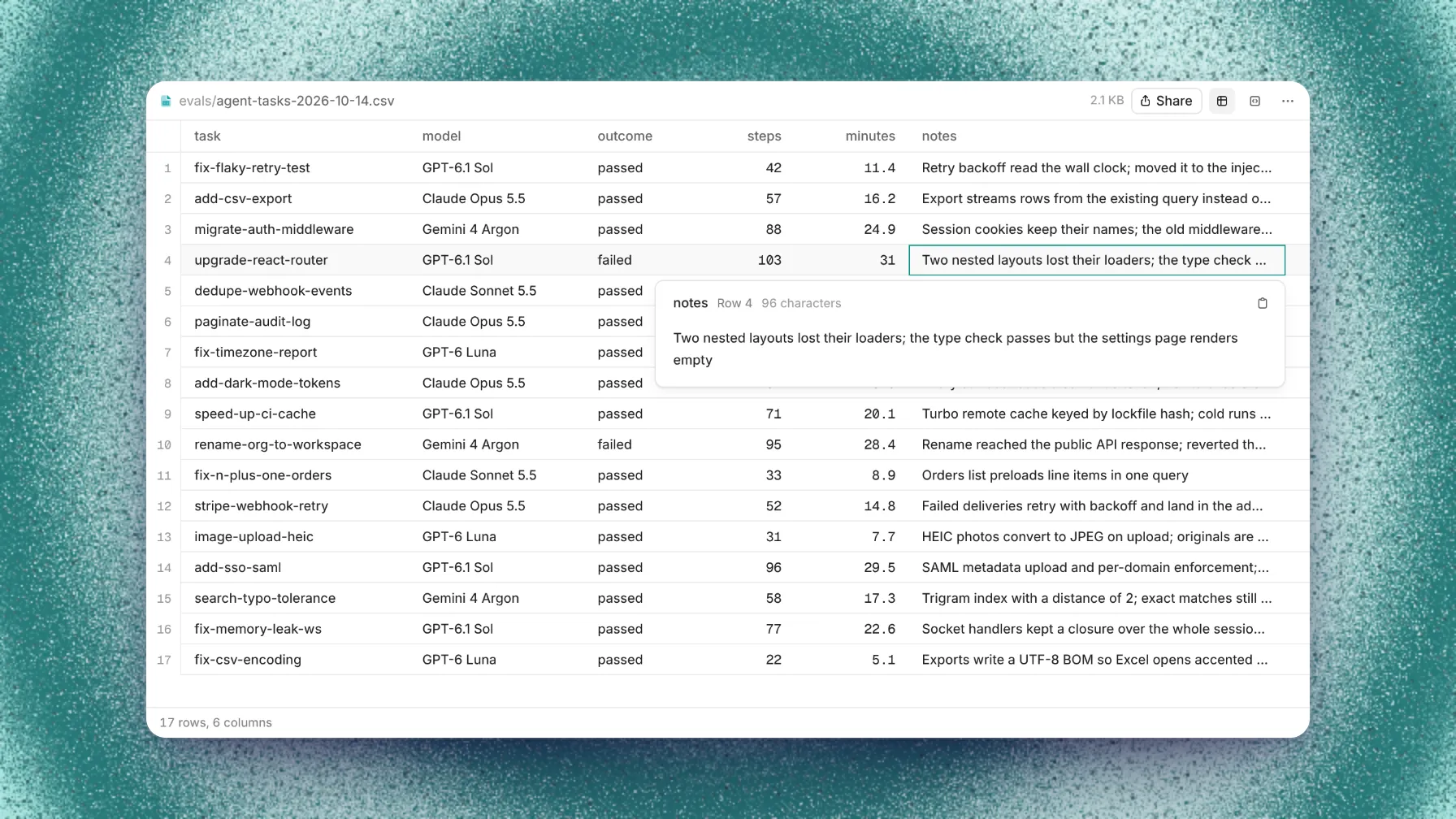
Spreadsheets, CAD files, and 3D models now open in Capy's file viewer, so you can read a file Capy made without downloading it. You can also create a project from a folder on any of your paired machines.
This release also adds Captains on your devices, a Shared view in Capy Drive, labels and preview links on the pull view, and new docs.
Spreadsheets and 3D files
CSV and TSV files open as a table that you can sort. Click a cut-off cell to read and copy all of it, move between cells from the keyboard, and drag a column edge to resize the column. Excel and OpenDocument workbooks open as tables too, with a tab for each sheet. A large CSV file shows its first rows while the rest downloads.
The 3D viewer now opens glTF, PLY, 3MF, FBX, and Collada models with their materials and textures. It also opens STEP and IGES files from CAD tools, and G-code as a toolpath with a slider that picks out one layer. HEIC photos from an iPhone now show in the app, and Capy can see them.
Projects from any machine
New project in the composer's project picker opens the same flow as the Projects & setup page. Start from a GitHub repository, a Folder on a machine, a Git URL, or an Empty project. When your search matches no project, New project uses your search as the name.
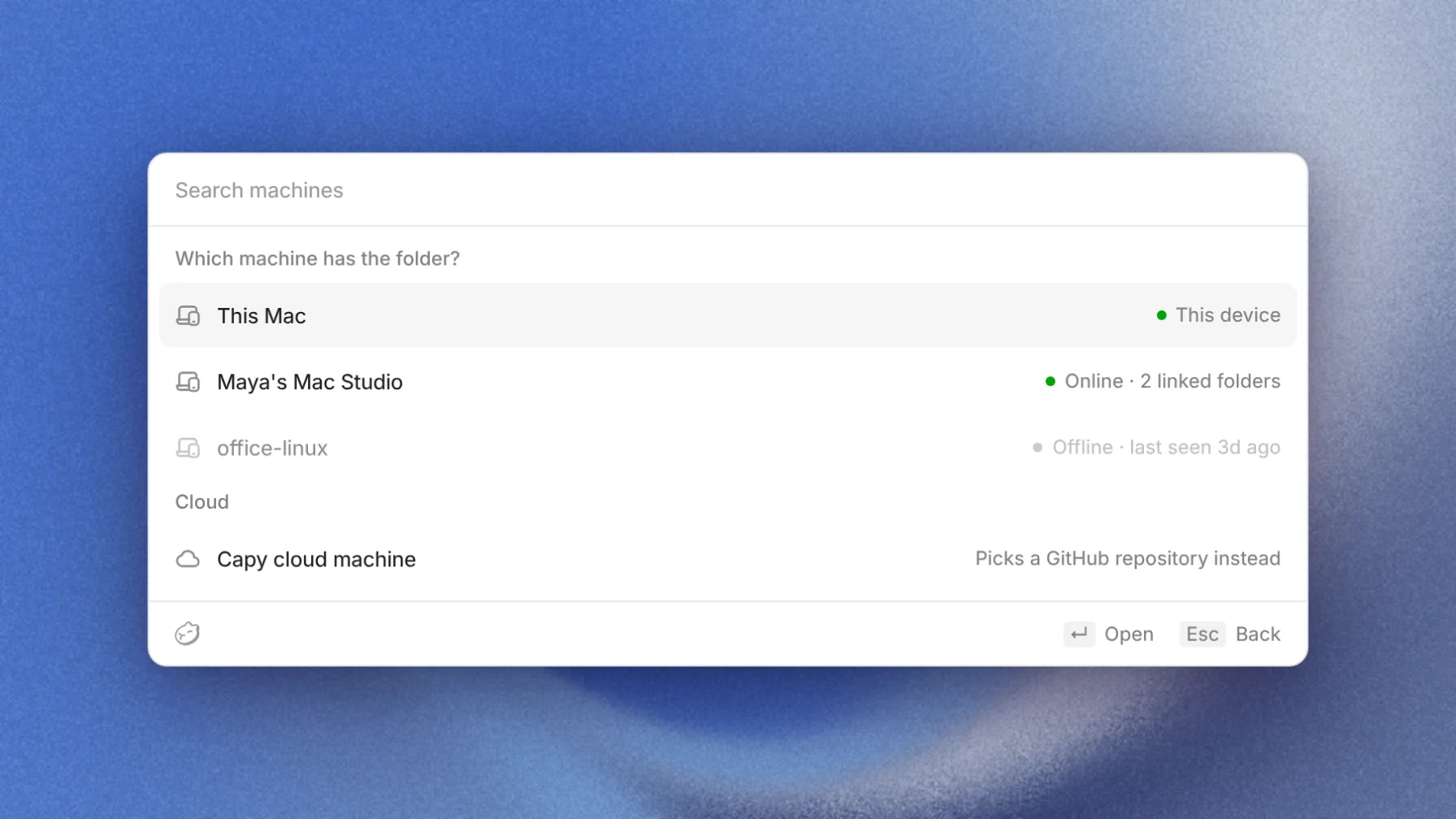
The web app lists the same paired machines, so you can create a folder project without the desktop app.
Captains on your devices
A Captain can now run on one of your paired devices. It can start crew threads on any of your paired devices or in the cloud. A Captain can also become a thread again, and it starts work on a change you mention in passing.
Shared links in Drive
The Shared view in Capy Drive lists every file that has a share link. Each row shows the drive, Who can open the file, who shared it, and when it changed. Copy link is on every row. The person who made a link, or an admin, can change who can open it or remove it.
A teammate who opens your link while signed in goes straight to the file in Capy Drive. Everyone else gets a share page with a single top bar.
Labels and previews
The pull view has a Labels row, where you add and remove a pull request's GitHub labels without leaving Capy. The Preview chip now reads deploy comments from Cloudflare and other hosts as well as Vercel. When a pull request has more than one deployment, the chip opens a menu with a link to each one.
New docs
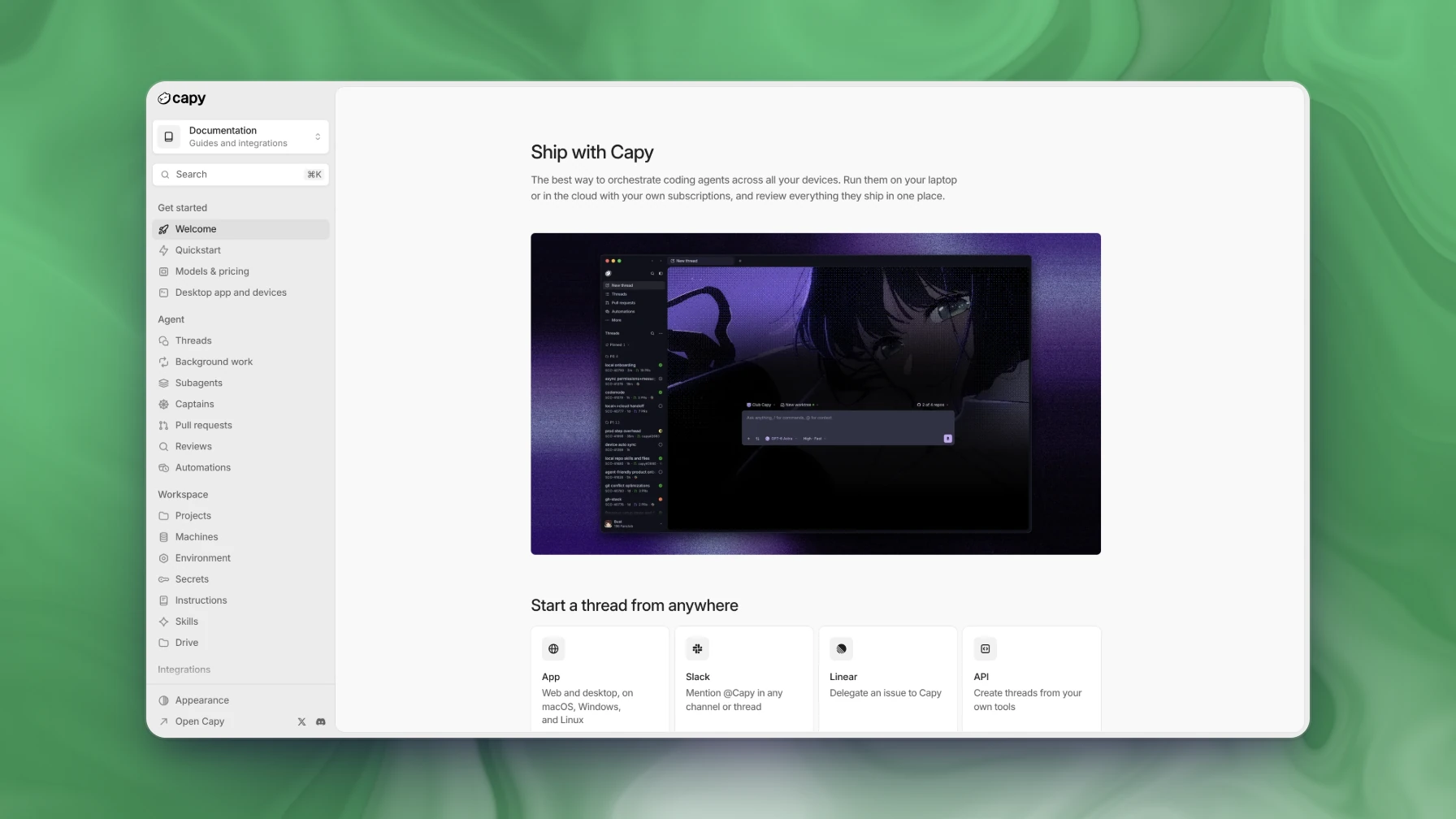
docs.capy.ai has a new design that matches the Capy app and follows your color theme.
Also in this release
- Threads with repositories start their first steps sooner.
- Pull request and check updates reach the app sooner.
- Codemode works better on every frontier model, with fewer extra lookups and refused calls.
- Long commands move to the background so Capy keeps working.
- Improved thread search.
- Retry on a provider error tries again, with no message to type.
- Gemini 4 Argon is available. A GitHub Copilot subscription now runs the newer models Copilot offers, such as Claude Sonnet 5.5 and GPT-6 Luna.
- An automation can run on several schedules, such as 9:00, 12:30, and 17:15 on weekdays.
- Archive idle threads archives threads that stay idle for the number of days you pick, unless they are pinned or have an open pull request. It is off by default.
- In the desktop app, Open files in picks the editor that opens files, or System default.
- Every section header in the sidebar collapses, and Customize sidebar can hide the More row.
- A thread's Overview sorts its pull requests by Largest diff, Recently opened, and more.
- On the Models page, one sheet adds and edits a connection, and you can change its Base URL.
- When a model connection runs out, anyone who can see the thread can approve Capy credits, and one approval covers a Captain's crew.
- The By member table on the Usage page ranks by Cost or Tokens.
- Ask Capy to send feedback to the Capy team, and it writes a report that the thread's owner approves before it is sent.
- Thread rows show whether a thread runs on a cloud machine or a paired device.
- A thread that needs to rename an MCP server, turn it on, or make it available in all projects asks you to approve with one click.
- Two or more queued messages fold behind a count above the composer.
- While Capy runs a program, its row shows each tool call inside it as the call runs, and files Capy attaches show as uploading until they arrive.
- Ask Capy for a page, a deck, or a prototype, and it writes one HTML file in Capy's design.
- ClickStack and Supermemory are in the plugin marketplace.
- Admins can Unlink a GitHub account in the Repository access dialog.
- In Slack, admins can turn off Link to the Capy thread and Post confirmations for the workspace.
- A link to
capy.ai/new?prompt=fills a new thread's composer with that prompt. - The API can create a thread with its own environment variables.
Fixed: a page open in the thread's browser tab keeps its place when you switch to Chat or resize the window. View full diff opens a file-edit card in place, and pasting a pull request URL into search finds that pull request. Archiving or deleting several threads in a row completes every one, and the sidebar's thread filters survive a reload. A cloud machine that can't start shows one card instead of many, and Contact us opens the support chat on the first click.