




Paper now works in Capy
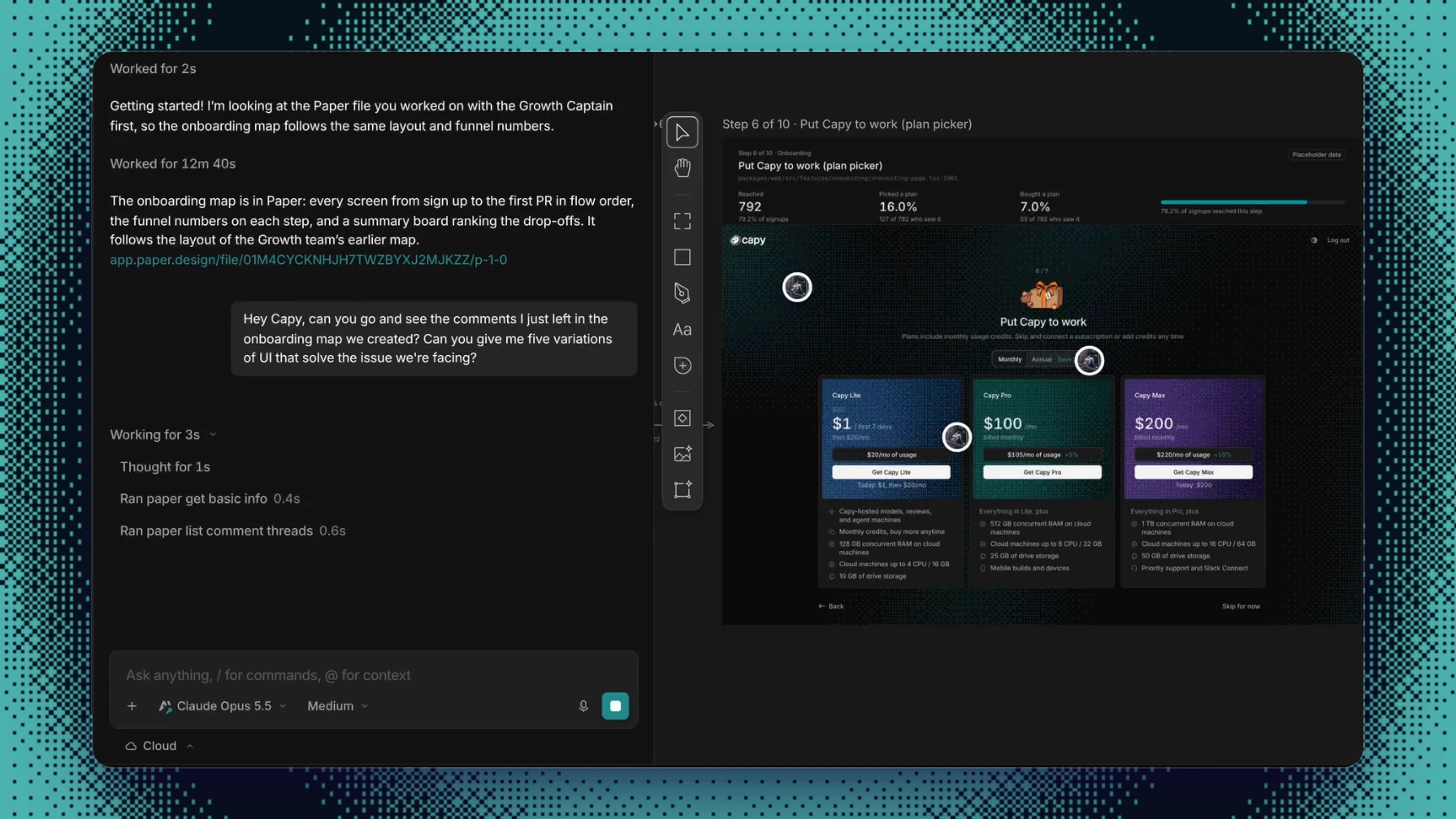
Today we're launching a first-party Paper integration, built with the Paper team. Capy is the first cloud coding agent with native Paper support. Connect your Paper account, and Capy can open, read, and edit your Paper files.
With Paper in Capy, you can now do proper design work with cloud agents. Paper's MCP server runs inside Paper Desktop, so until now an agent that designed in Paper had to run on your laptop, not in the cloud. When the laptop closed, the design work stopped. In Capy, Paper runs headless on the thread's cloud machine. Start a design task, close your laptop, and come back to the finished file and a pull request.
Paper is a design canvas built on HTML and CSS. A model already writes HTML and CSS well, so when Capy designs in Paper, it writes the same language that Paper renders. Capy never translates the design into a proprietary format and back. Capy also has your repository and its real components, so the screens it puts on the canvas can start from what you ship.
How it works
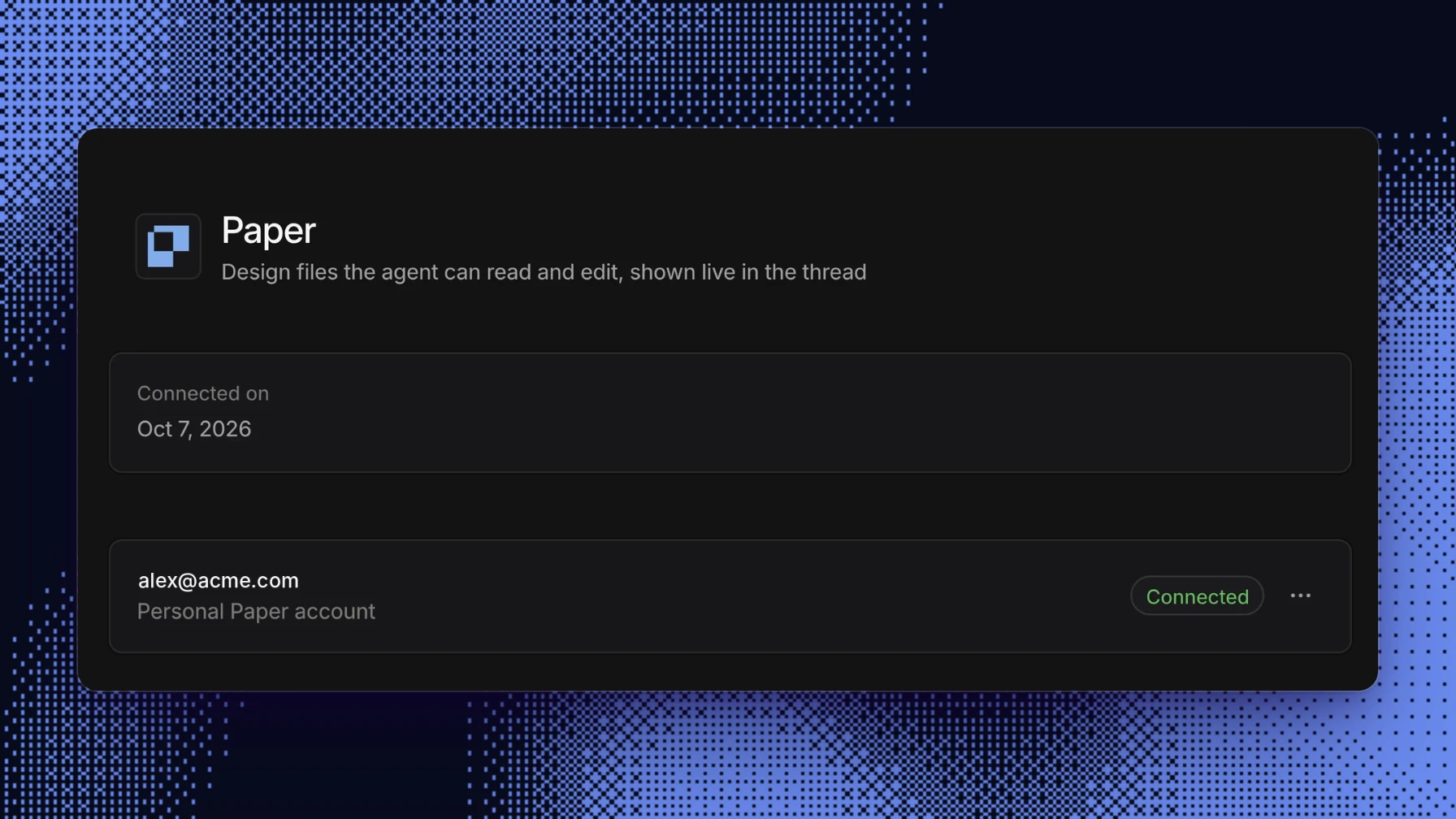
1. Connect Paper. In Settings › Integrations › Paper, click Connect Paper and sign in with your Paper account. The connection is personal. Capy uses your Paper account in the threads you start.
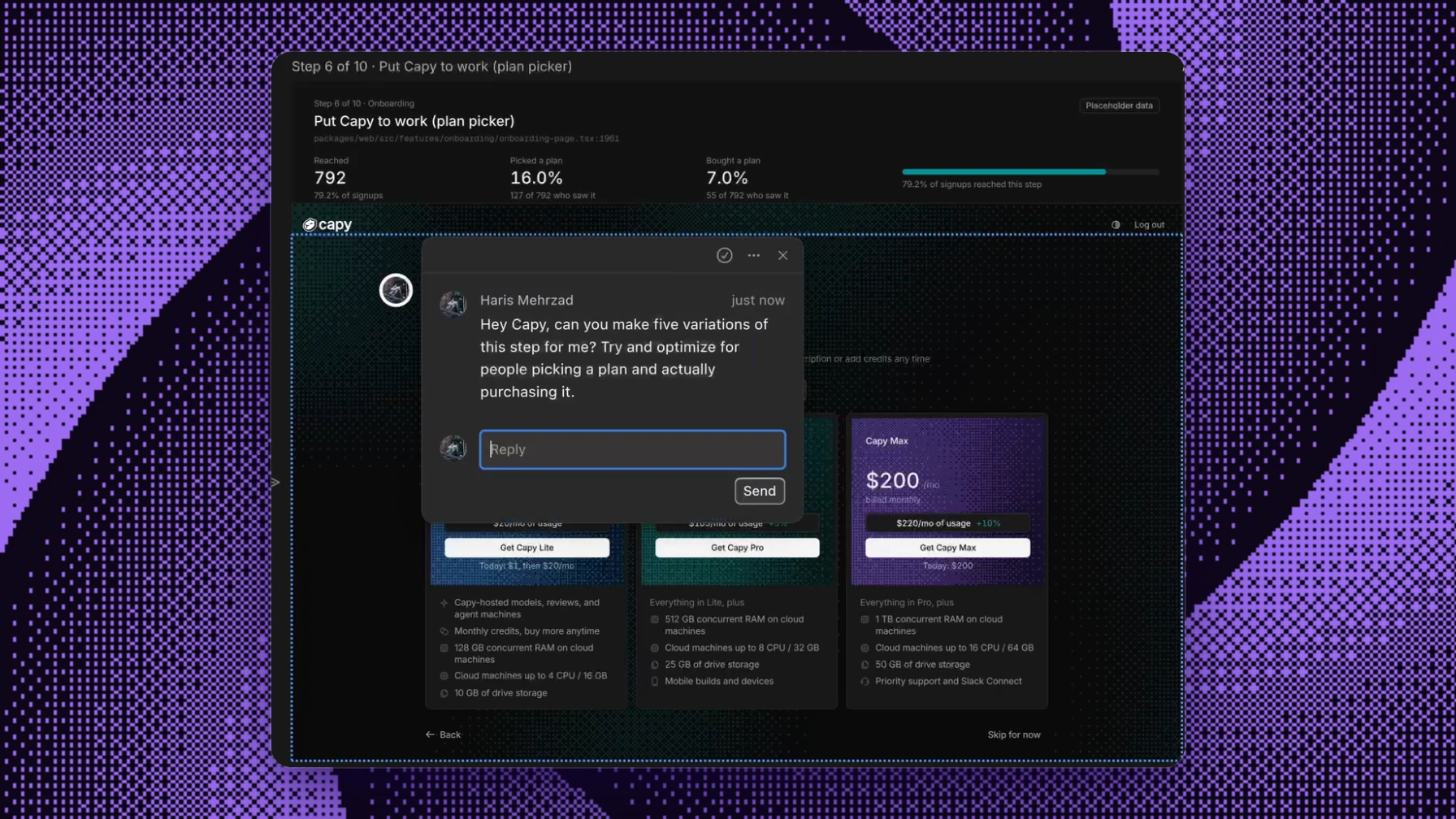
2. Ask for it. Mention Paper in any thread or Captain: "map our onboarding flows into a new Paper file", "make five variations of this screen", "build this frame from the components in packages/web". Capy reads and writes the file through Paper's own tools. Every file it touches is listed under + › Paper files in the thread and opens as a tab next to the conversation, so you can watch the canvas change as Capy works.
3. Work in the canvas together. The embedded canvas is the full Paper editor. You can move things, edit them yourself, or leave comments on a frame and ask Capy to address them.
What people use it for
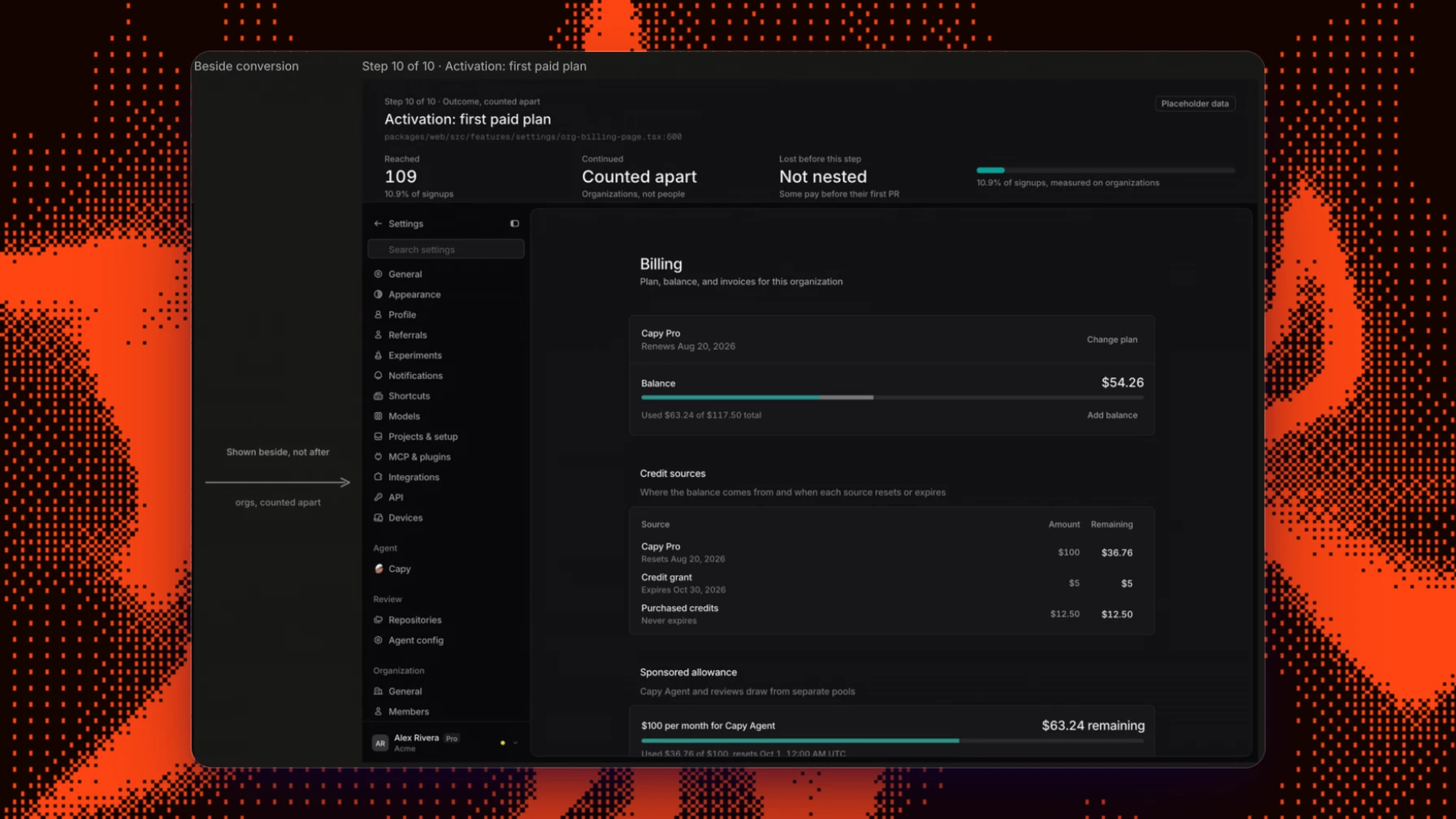
Mapping what you already have. Ask Capy to rebuild existing screens from your repository as editable Paper frames, one board per screen in flow order. A Captain can pull in context from the rest of its crew, such as funnel numbers another Captain already gathered, and put them on each step so you can see where people drop off.
Visual context for the agent. Some ideas are easier to show than to describe. Collect references on a canvas, for example with the Paper Snapshot extension, which copies elements from any site into Paper as editable layers. Then point Capy at the file. Capy can also read a file you made earlier and follow its layout and conventions.
Iterating on a screen. Ask for variations side by side, compare them on the canvas, and keep the one you like.
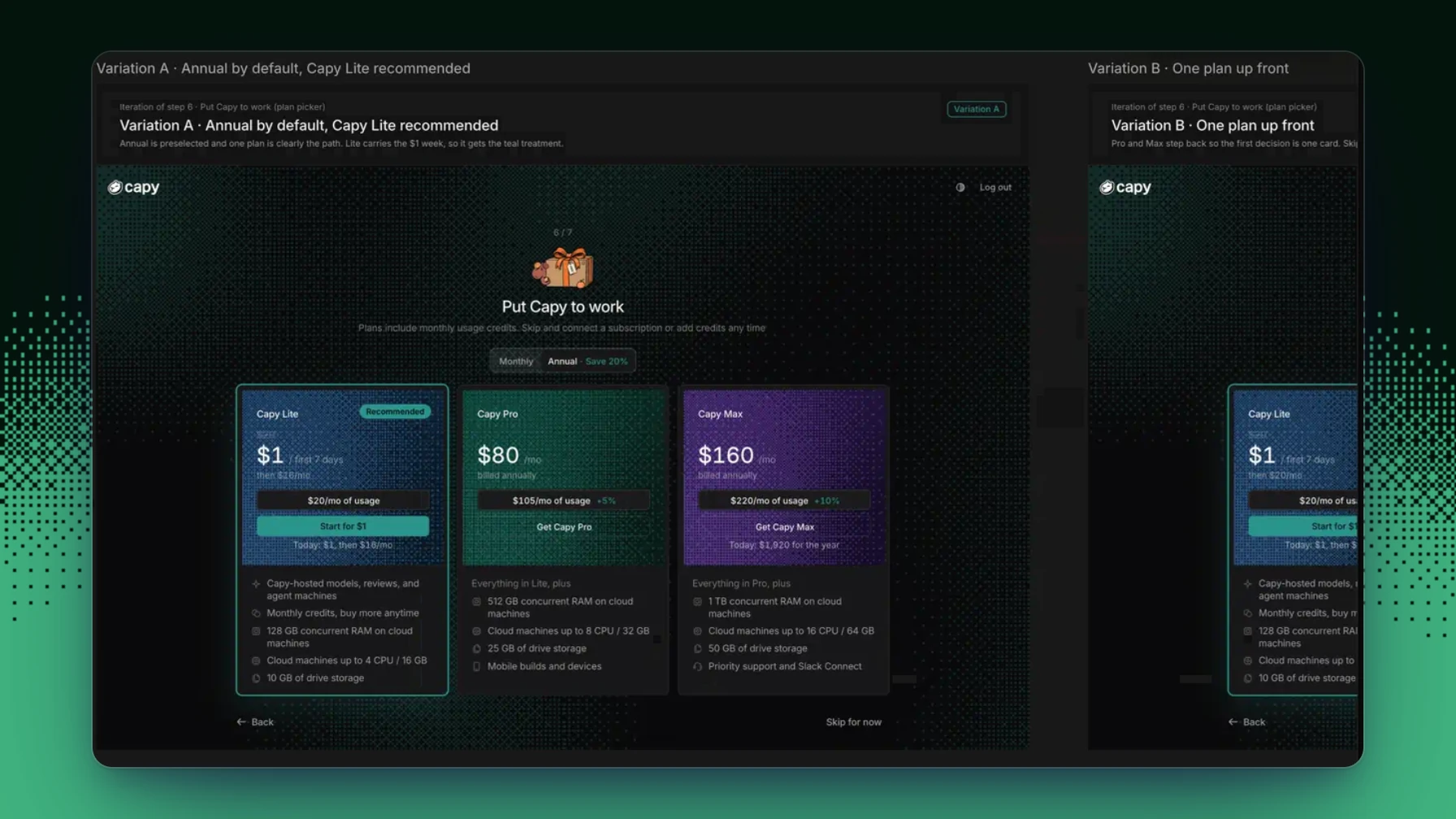
Closing the loop. When a frame is final, ask Capy to build it. The same thread that designed it opens the pull request against your codebase.
How we handle your credentials
Capy stores your Paper tokens encrypted. The Paper process on a Capy machine holds no token of its own. Capy sends your access token with each Paper call, so no token is stored on the machine. The canvas in the thread signs in with a single-use embed code. Capy creates the code for that view, and the code expires shortly after.
Capy uses your Paper account only in threads that you start. Automations and threads that other people start don't use your Paper account. To remove access, click Disconnect account in Settings › Integrations › Paper, and Capy deletes the connection.
If you hit anything odd, let us know in our Discord.
Ship your next feature with Capy
Plan, build, and merge with parallel coding agents.