





Capy 0.3.0
MCP servers
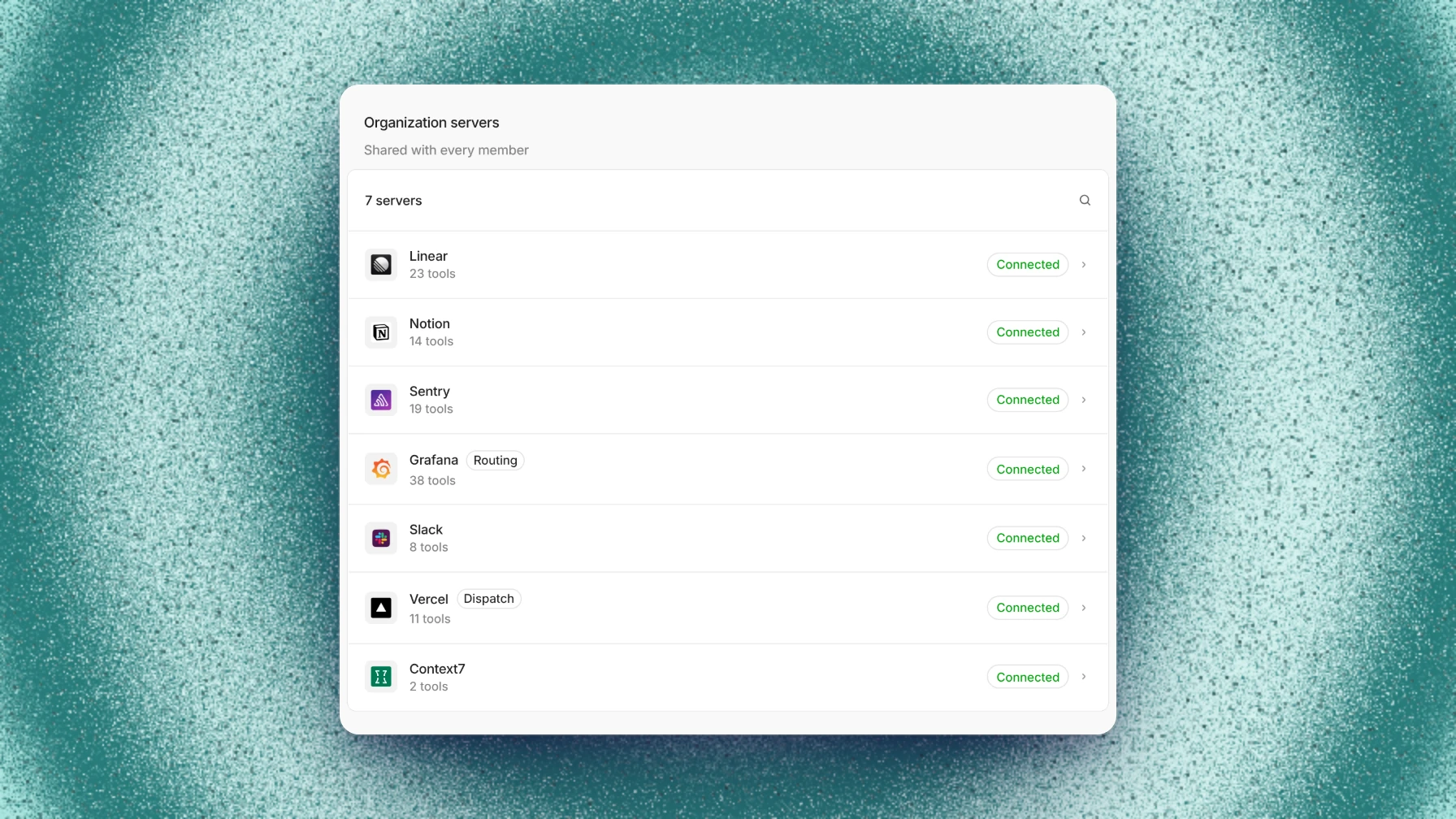
MCP servers now have their own settings page, with a page per server for its tools and connection. File transfers run in the background, and your Mac can stay awake while a thread works.
This release also adds one Share dialog for members and ownership, threads that wait up to seven days for an event, automations in existing threads, setup entries as terminal sessions, new models, the Review context page, and Experiments for Memory and Captain.
MCP servers
MCP servers now have their own MCP page in settings. Add a server by URL or command, and Capy checks the connection and lists its tools before saving.
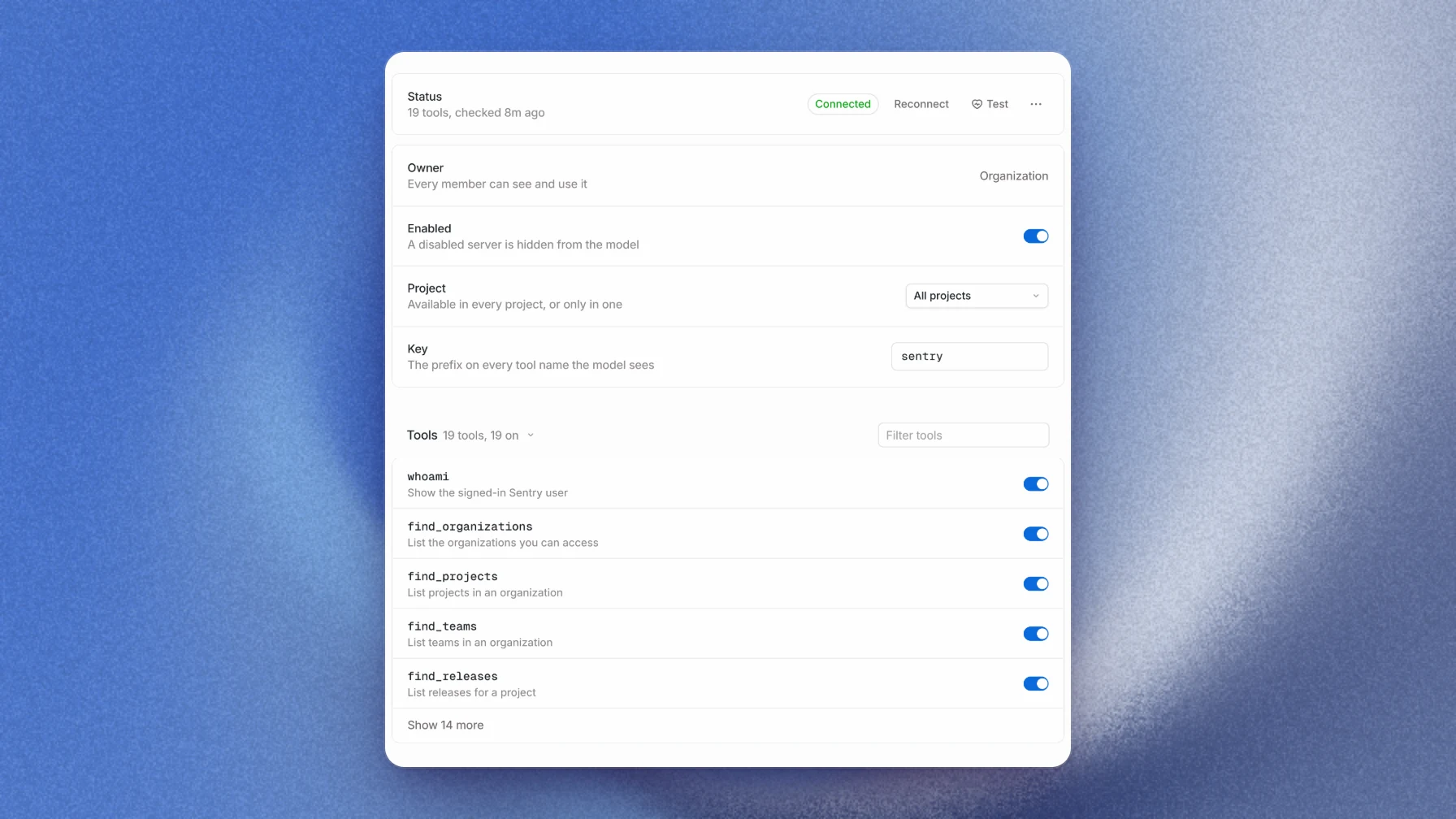
Each server has a page where you turn individual tools on or off and test the connection.
Background file transfers
File transfers now run in the background, so a thread keeps working while files copy. They work between any two machines, including cloud machines in different tasks.
Keep awake on Mac
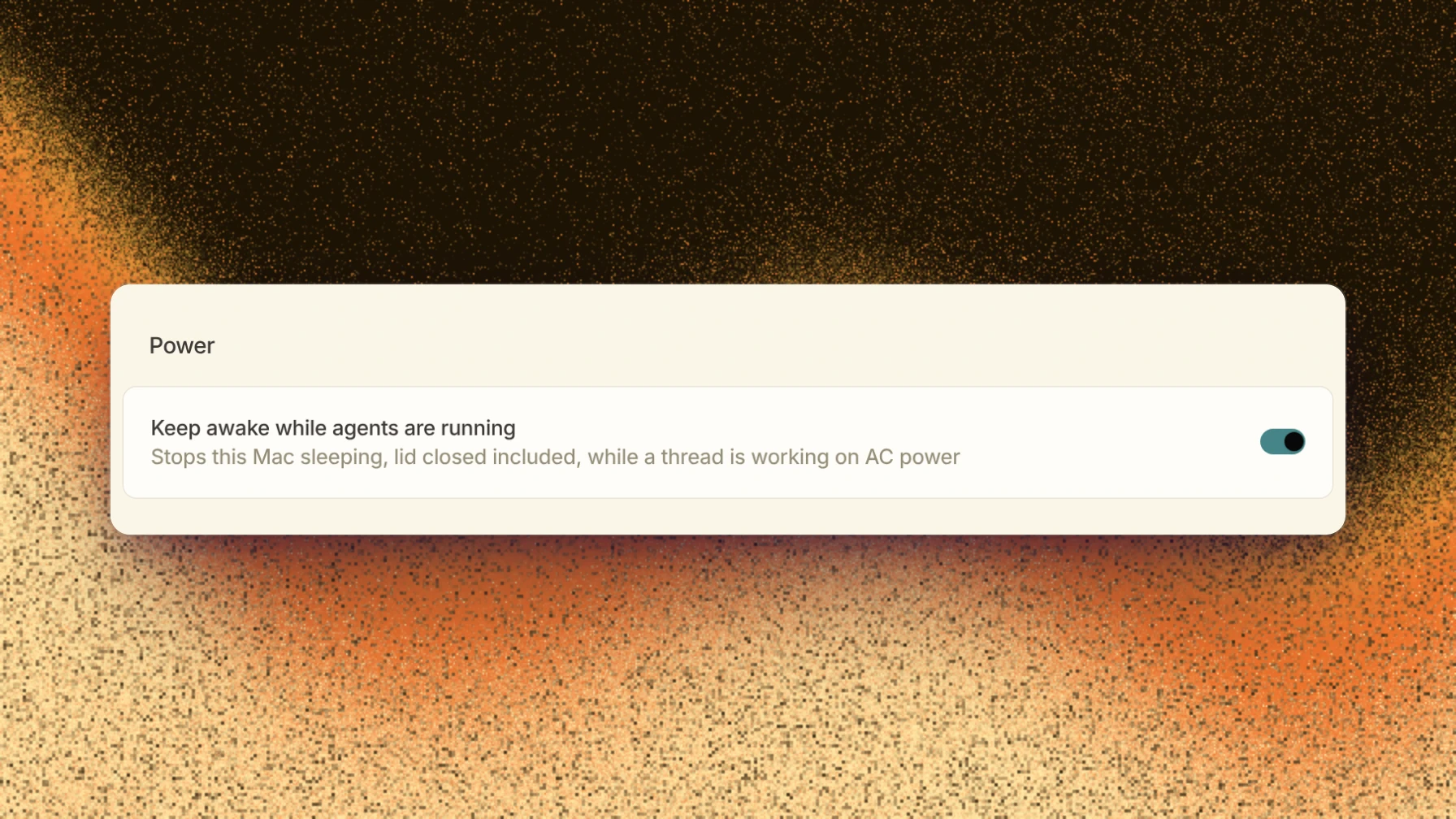
Turn on Keep awake while agents are running on the This Mac device page, and your Mac stays awake while a thread is working, even with the lid closed. It's off by default, only works on power, and turns off ten minutes after the last activity.
Sharing and taking over threads
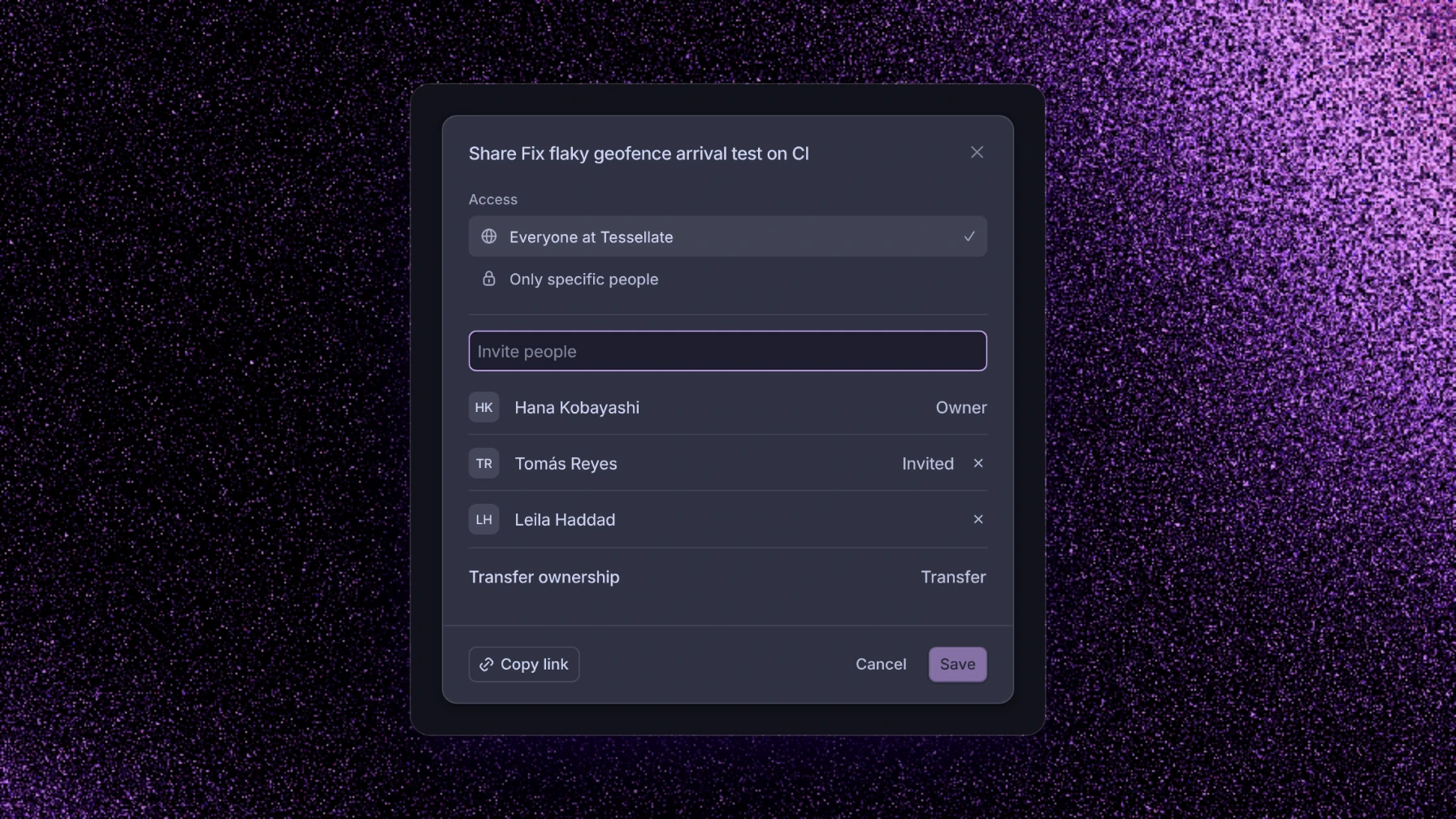
One Share dialog now handles members, invites, and transferring ownership. You can also take over a thread from its menu or the API.
Threads that wait for events
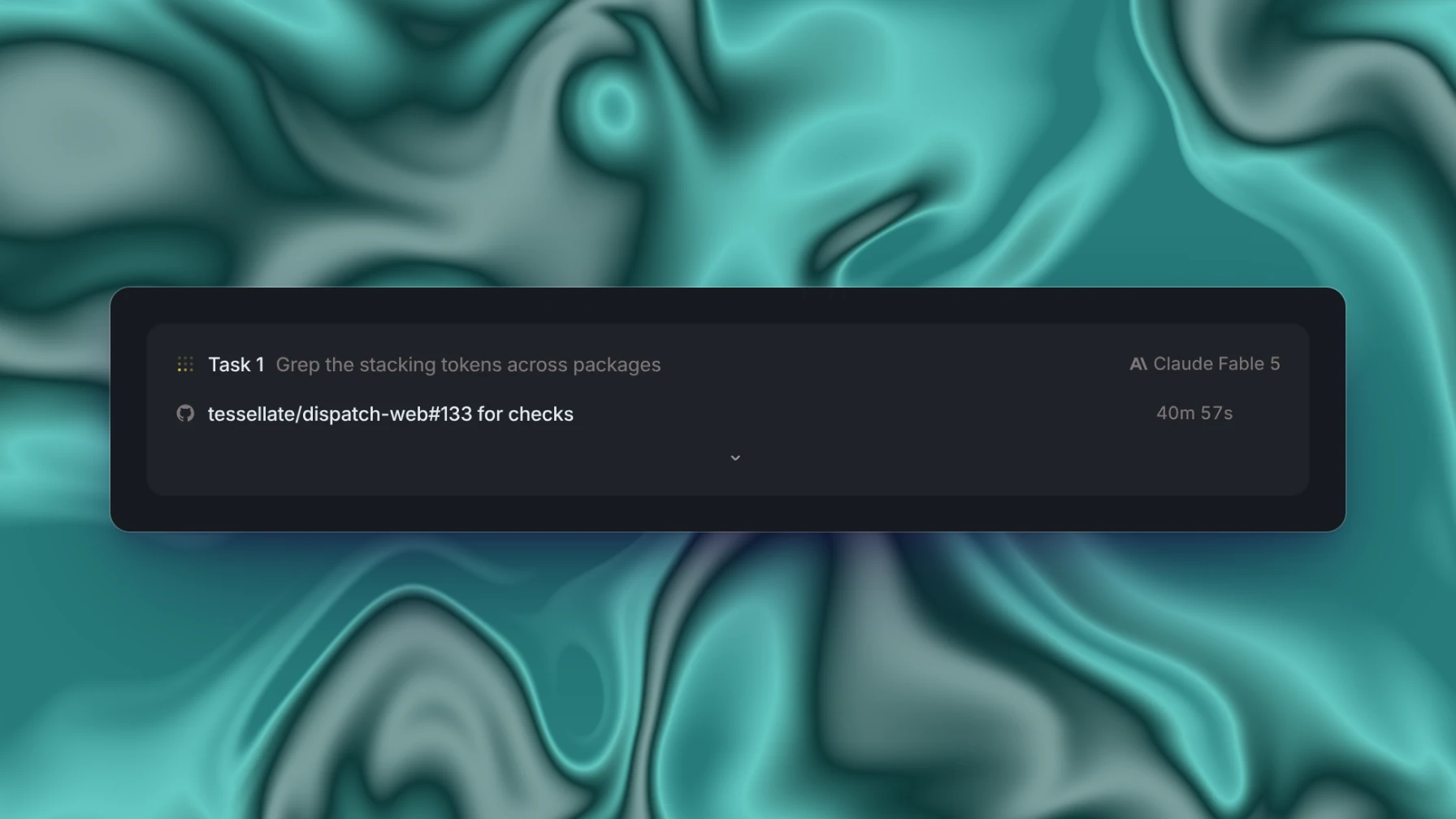
A thread can now wait up to seven days, and subscribe to GitHub runs, Slack channels, webhooks, or any pull request. It wakes when a matching event arrives.
Automations in existing threads
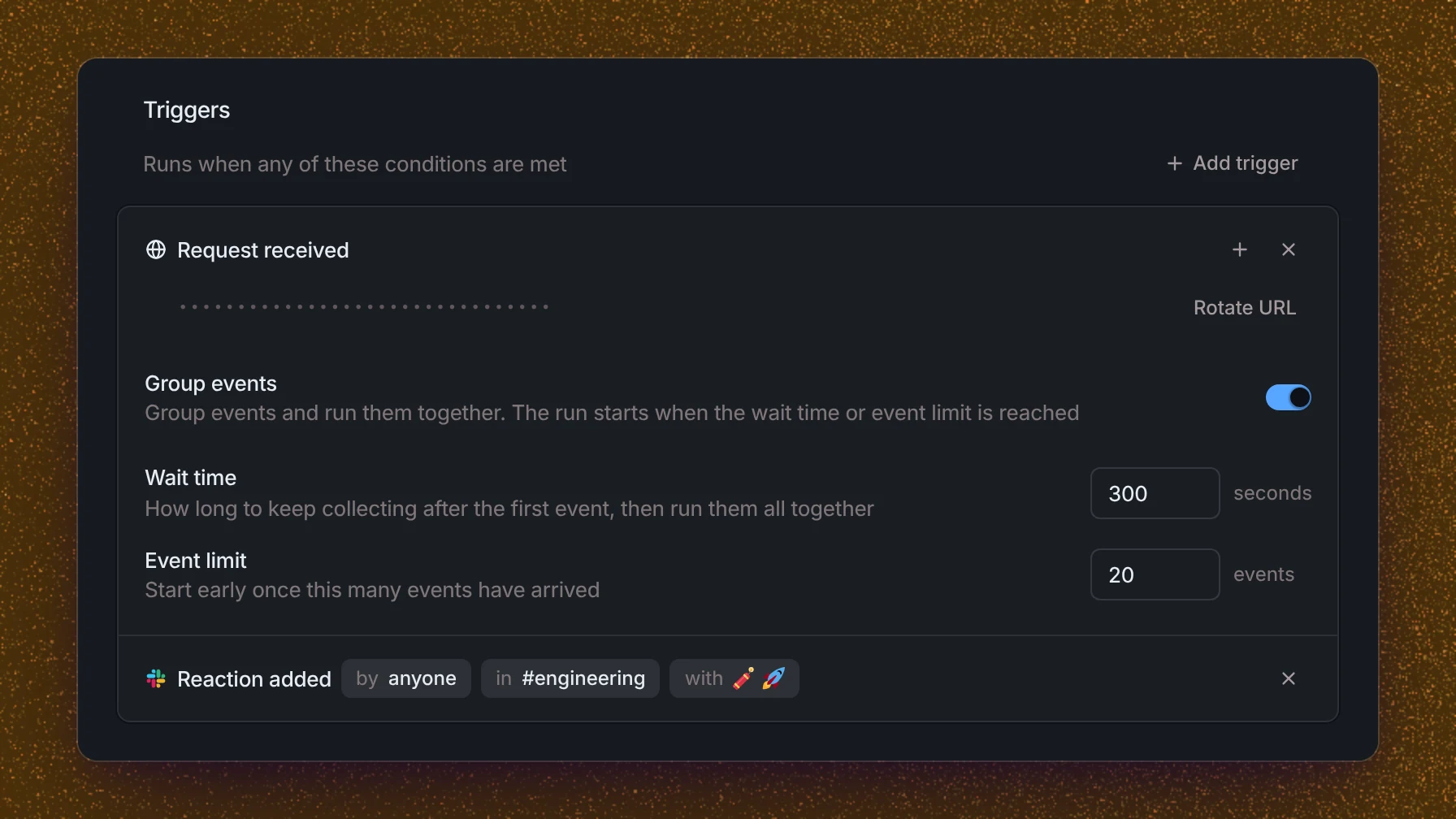
Automations can now run inside an existing thread instead of starting a new one. They can also start from a Slack reaction, and group a burst of webhook events into a single run.
Setup entries
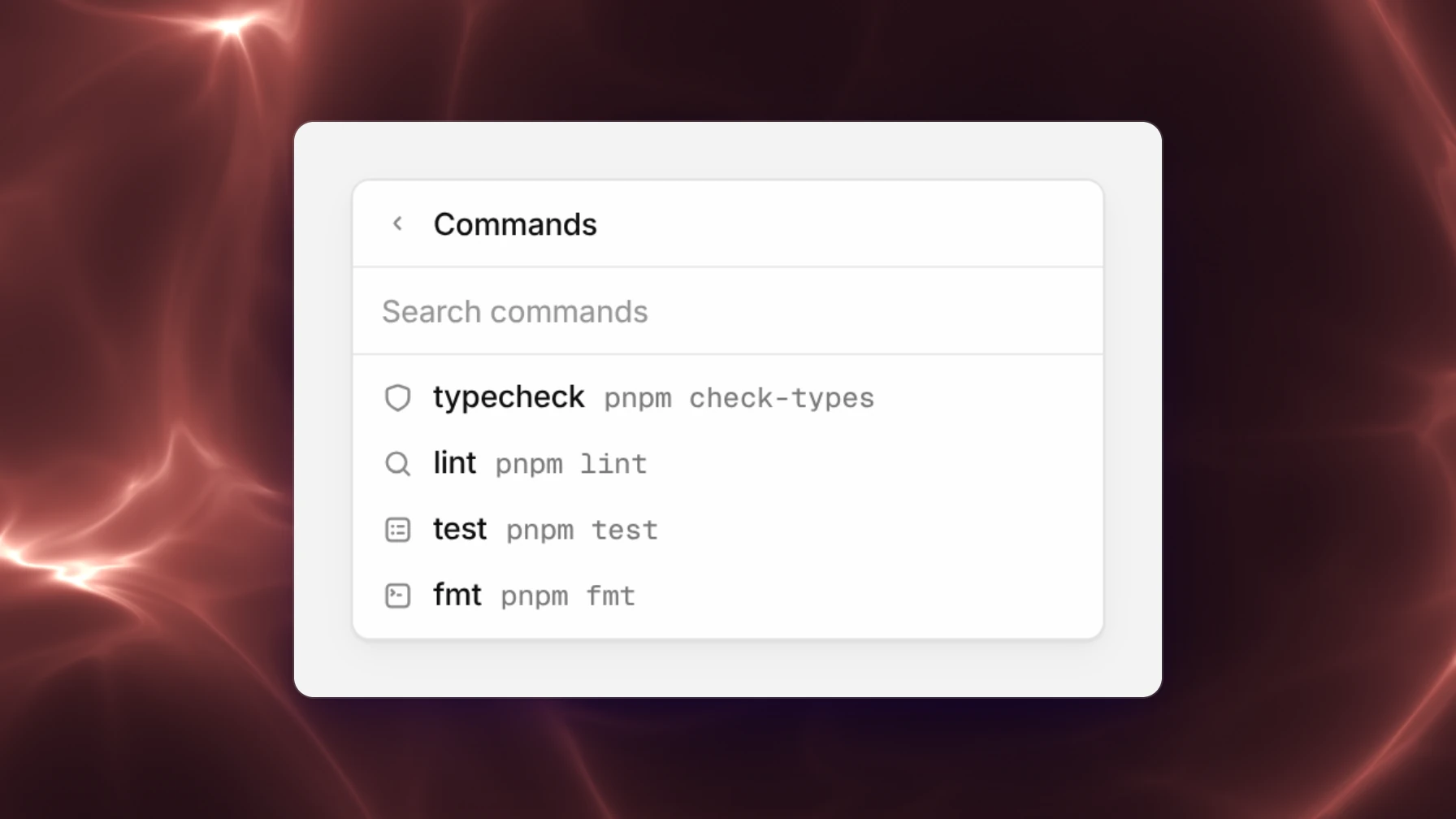
Setup entries now run as named terminal sessions, each with a readiness port and a preview. Launch them from the + menu, or keep them in the repository as .capy/setup.json.
New models
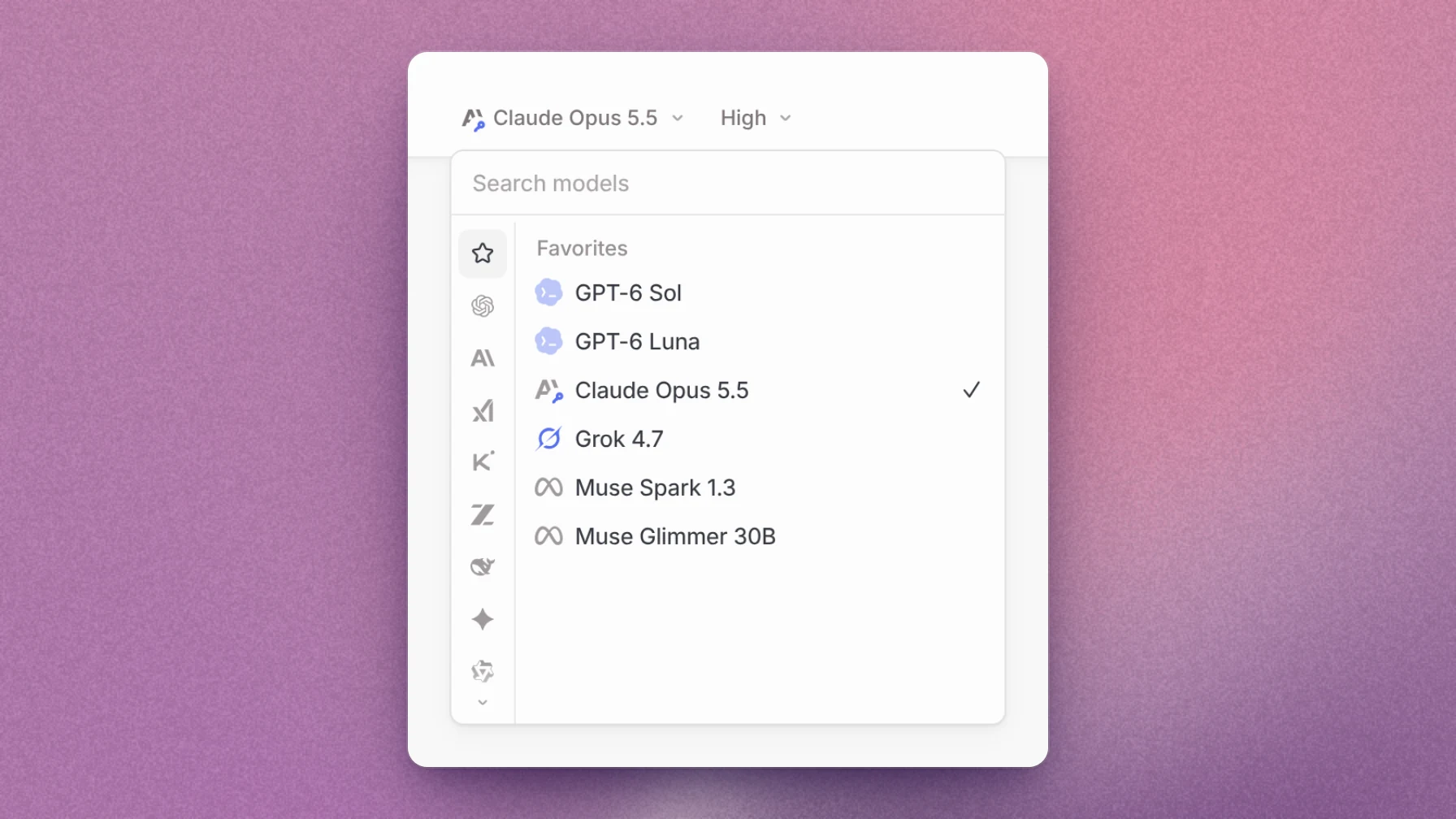
Claude Opus 5.5, GPT-6 Sol, GPT-6 Luna, Grok 4.7 with a SuperGrok subscription, and Meta's Muse Spark and Muse Glimmer are now available.
Review context
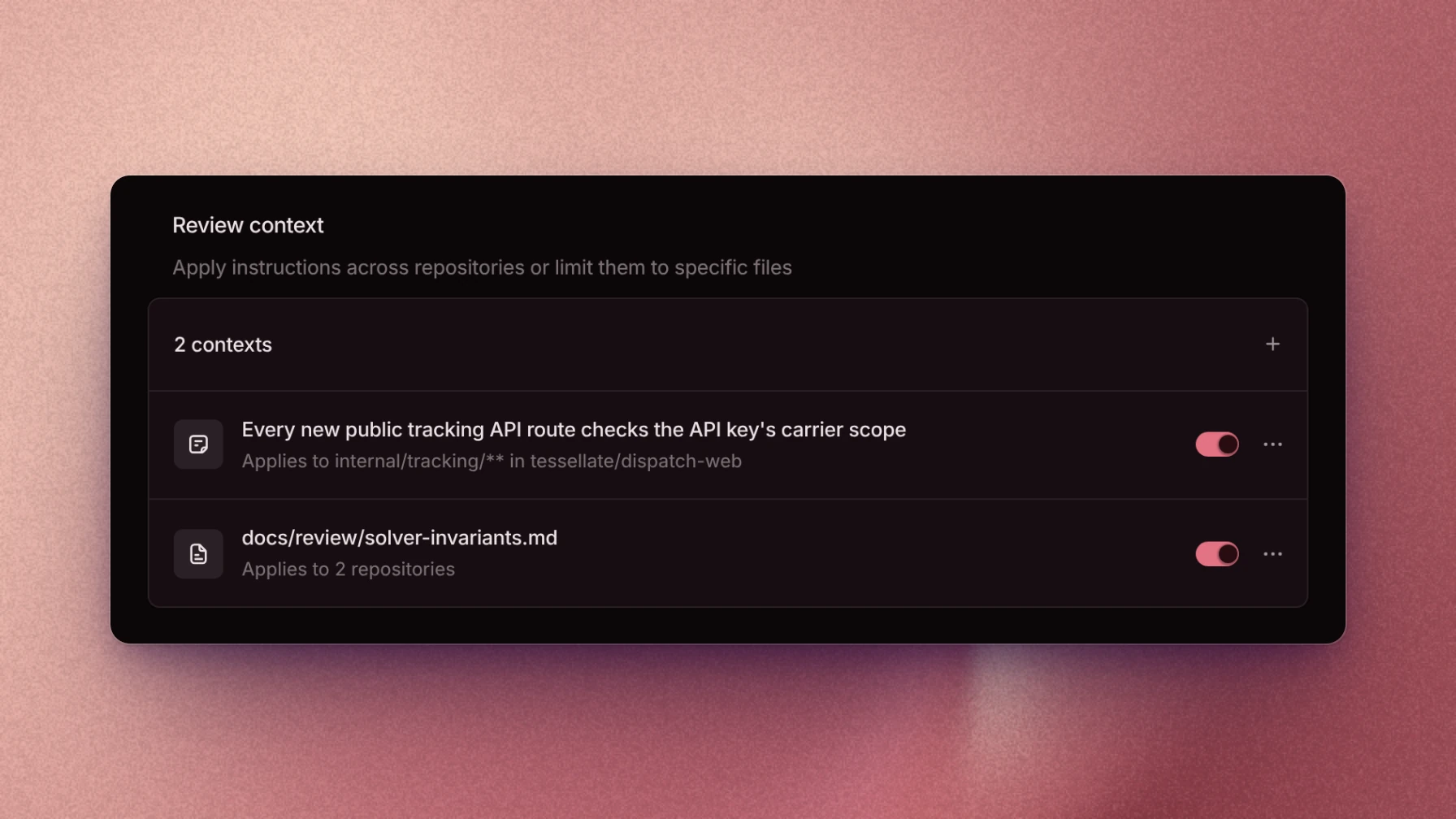
The Review context page holds your organization's review rules and the repository files reviews should read. Each rule or file can be limited to specific repositories and paths.
Experiments
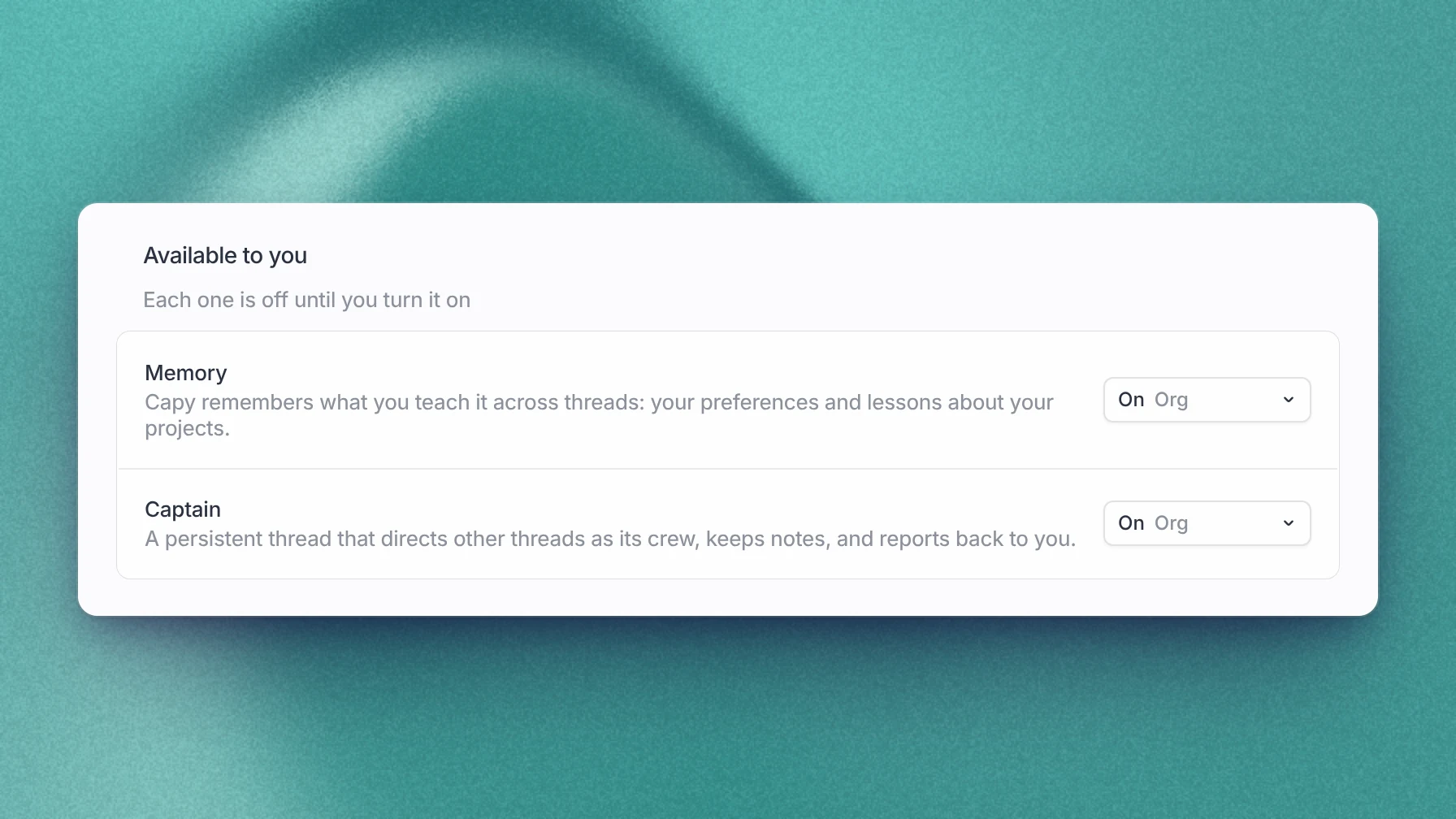
The Experiments page turns on Memory and Captain, for yourself or for your whole organization. Memory keeps what you teach Capy across threads. A Captain is a long-running thread that directs other threads as its crew.