





Capy 0.5.0
Claude Code and keyless cloud access
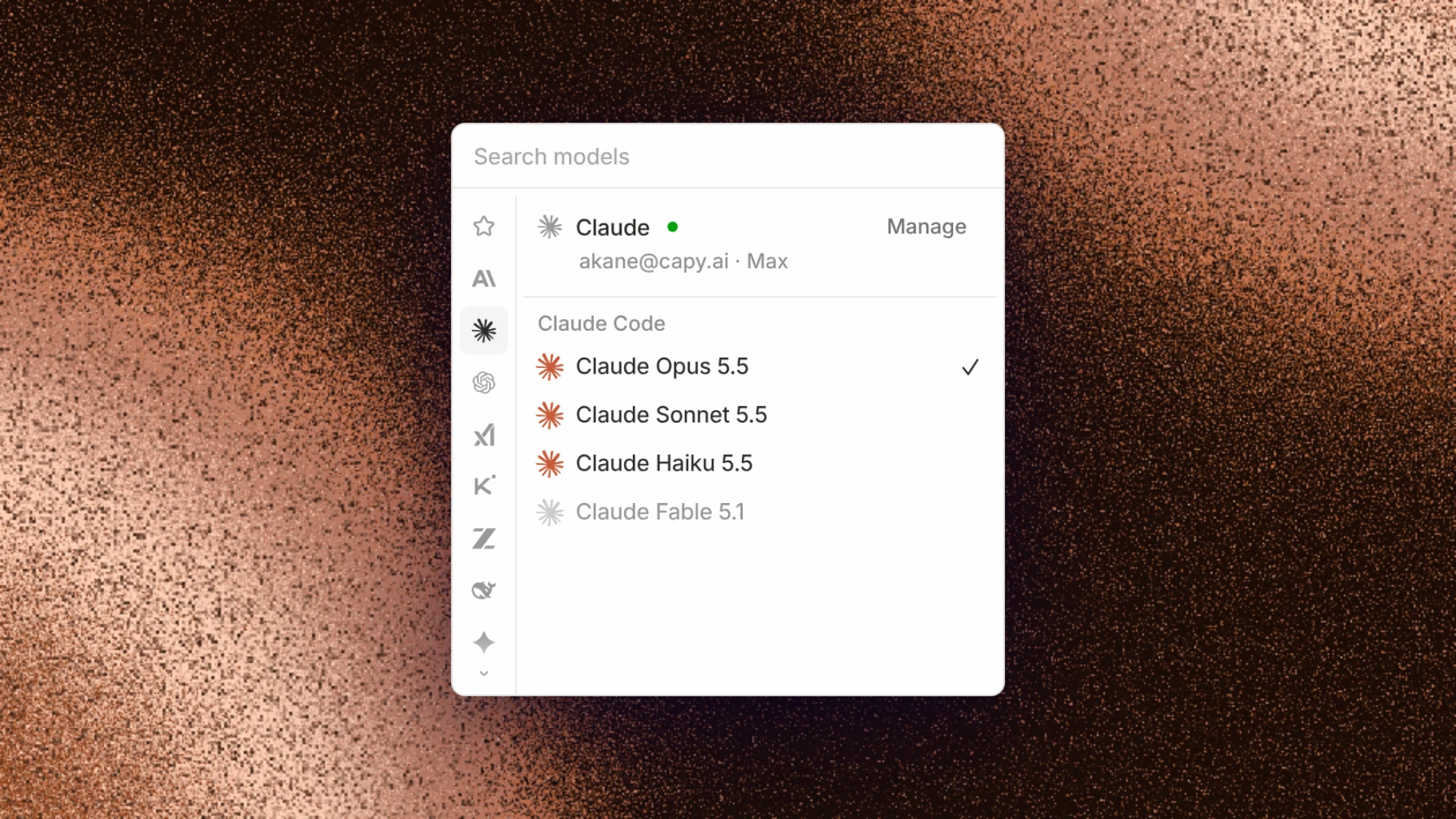
Capy now runs Claude models on your own Claude Pro or Max subscription through the Claude Agent SDK. Capy is now an OIDC identity provider for your machines, so a project gets short-lived credentials in Google Cloud, AWS, Azure, and Vault through workload identity federation instead of long-lived keys.
This release also adds automations in private threads, your own accounts on organization MCP servers, video and audio on Gemini, diagrams in Slack, a better image viewer, and subagents on your paired devices.
Claude Code
Connect your Claude Pro or Max subscription, and Capy runs Claude models on it as Claude Code. To use your subscription, pick a model under Claude Code in the model picker. Claude Code is a different harness from Capy's own agent: it runs on the Claude Agent SDK, and Capy's tools, machines, subagents, and pull requests work the same inside it. You can connect more than one personal Claude subscription: Capy uses them in the order you drag them into on the Models page, and falls back to the next one when a subscription runs out.
Keyless cloud access
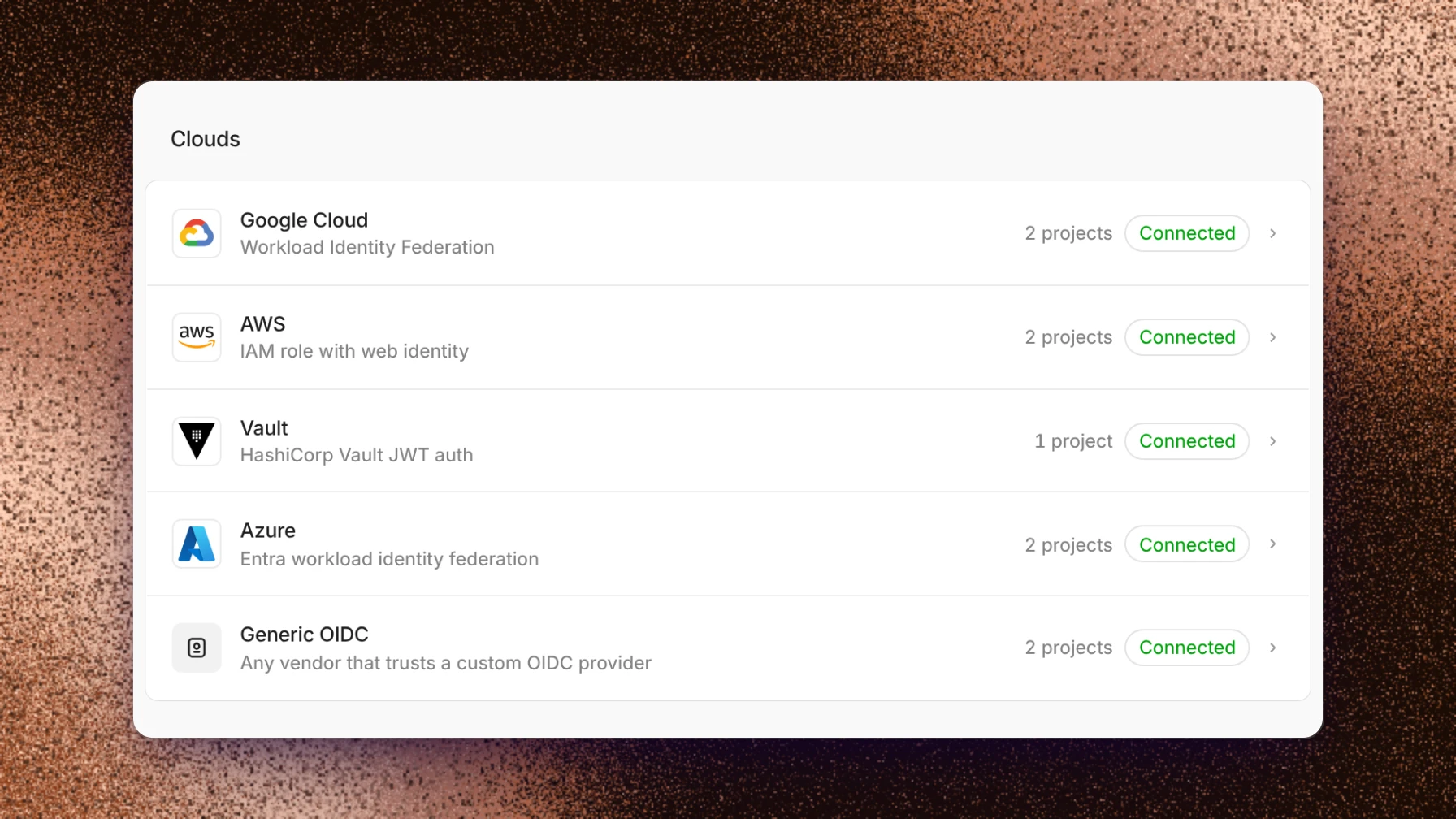
Capy now acts as an OIDC issuer for a project's machines. The new Cloud credentials page in settings, right below Integrations, federates that identity into Google Cloud (workload identity federation), AWS (an IAM role with a generated trust policy), Azure, and Vault (a JWT auth role), so machines exchange a signed token for short-lived credentials instead of holding a long-lived key. Pick a project and the account or role its machines use, and Capy checks the connection before it saves. Generic OIDC covers any other service that trusts a custom OIDC provider.
Automations in private threads
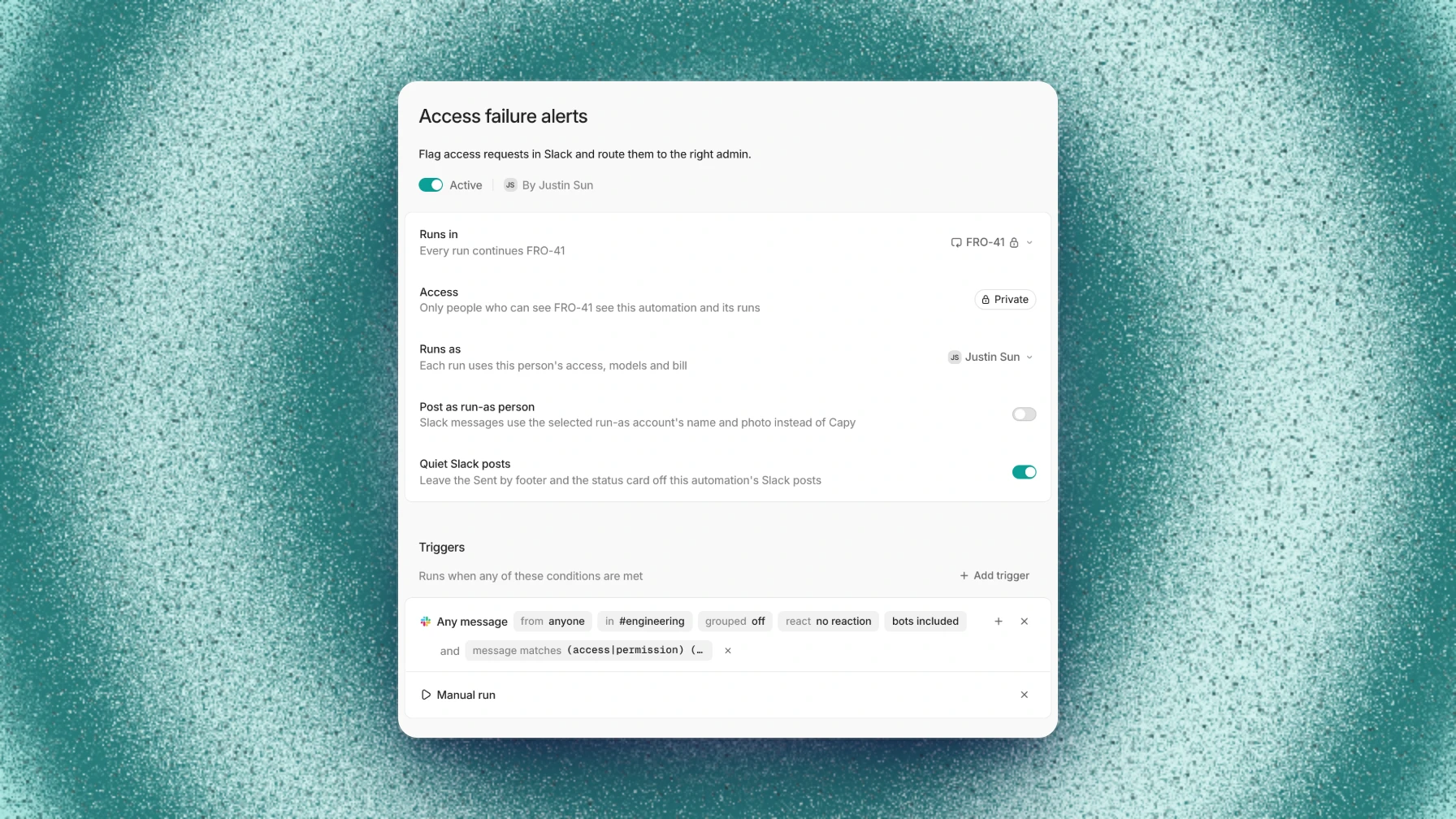
An automation can now run inside a private thread. Only the people who can see that thread see the automation and its runs, and Make this an automation now shows on private threads too. On the Automations page, an automation that runs in a thread opens it with Open thread.
The editor now edits an automation's description, and Slack message and webhook triggers take a Matching pattern. Turn on Quiet Slack posts to leave the Sent by footer and the status card off an automation's Slack posts, or turn on Quiet automation posts on the Slack page to start every new automation that way.
Your own MCP accounts
On an organization MCP server that signs in with OAuth, set Connection mode to Each member, and every thread calls the server with its creator's own account instead of one shared login. A server you add for yourself can be limited to your own private threads with Private threads only, so people who message your shared threads can't use your account.
Video, audio, and images
On Gemini models, Capy can now watch a video and listen to an audio file on its machine, such as a screen recording. Mermaid diagrams render in Capy's colors in chat, and post to Slack as images instead of source.
The image viewer has a strip of thumbnails for jumping between images, and zoom follows your cursor and tracks a trackpad pinch instead of jumping. A video link on its own line in a pull request description plays in place.
Subagents on your devices
A thread in the cloud can now start a subagent on one of your paired devices by name. Work that needs your computer runs there, and the thread stays in the cloud.
Cloud phones and mobile builds
Cloud iOS and Android phones and mobile builds, powered by Revyl, now come with the Pro plan and above, with no separate access request. Capy can build your app, install it on a phone, and drive the phone from a thread.
Also in this release
- A thread starts its next step sooner when its machine is still awake, and sending a message is quicker.
- The thread list, the sidebar, and switching between threads are faster in large workspaces, and the model menu opens faster.
- Send a message while a file is still uploading, and it goes out when the upload finishes, on a new thread too and across a reload.
- Downloads show their progress, then offer Reveal in Finder, Show in Explorer, or Show in folder.
- Tabs you open in the thread pane start as previews that close when you move on. Double-click one to keep it, and Reopen closed tab brings one back.
- Enter sends clarify answers, and ⌘↵ or Ctrl+↵ presses Allow on an access request.
- With Read Slack as you, Capy can read a DM or private channel you're in, after you allow it for the thread.
- When a request fails on your own key or endpoint, the error card offers Retry and a way to pick another model.
- Profile lists every email on your account, and you can add, remove, or make one primary.
- A thread's Overview sorts pull requests by Status.
- A review finding lists the rules, memory, and production telemetry it rests on.
- Ask Capy for a bigger machine, and it moves the thread to a fresh one with the same repositories.
- An OpenAI connection with Daybreak access shows Daybreak access on its key, and the model picker offers Daybreak on the GPT models it covers.
Fixed:
- A machine that runs out of memory stops the largest process instead of freezing.
- A thread linked from another thread's pane opens in its own view, so a message there can't go to the wrong thread.
- A thread that uses one of your paired devices waits for it to reconnect instead of giving up.
- A cloud phone starts again after it sleeps, and a mobile build that fails to start is retried once.
- Safari 17.0 to 17.3 no longer crashes, and desktop updates that stall are retried.