





Capy 0.6.0
Explore, Themes, and Drive files
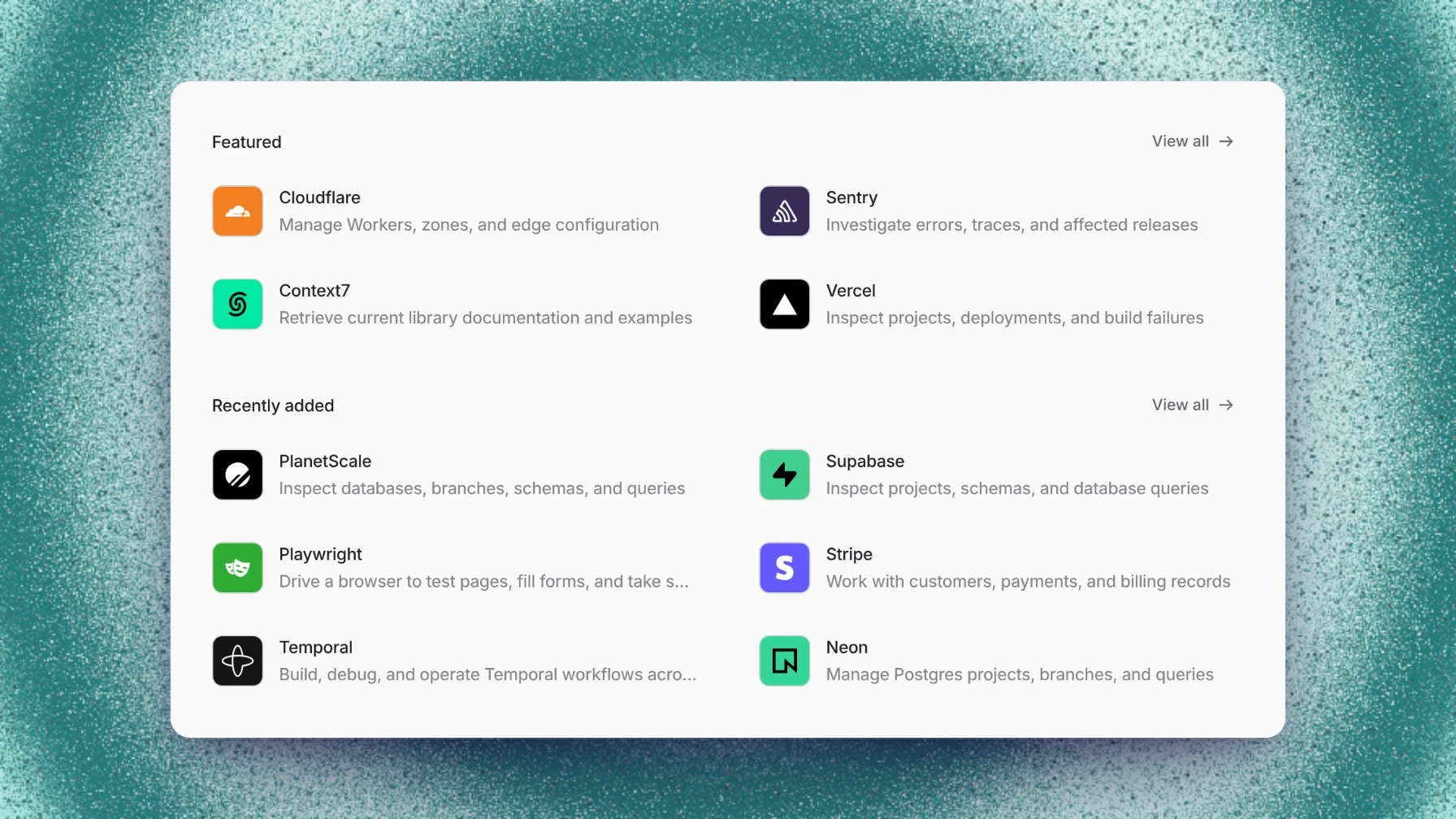
The new Explore page lists plugins, skills, and themes to add to your workspace. Capy has a new look. A theme is now the whole look, its colors, dashboard background, and background effect, and the default accent is Capy blue. Files in Drive and in threads open beside the conversation with their earlier versions. Drive's new engine makes Drive much faster.
This release also brings a long list of improvements and fixes across threads, models, the desktop app, pull requests, and Drive.
Explore
Explore in the sidebar lists plugins, skills, and themes that Capy picked. Each page shows what the item contains, what it can access, and what it needs to set up, and setup installs it into the project you pick. Add a theme in one click, or publish one of yours with Submit to Explore on the Appearance page.
Themes
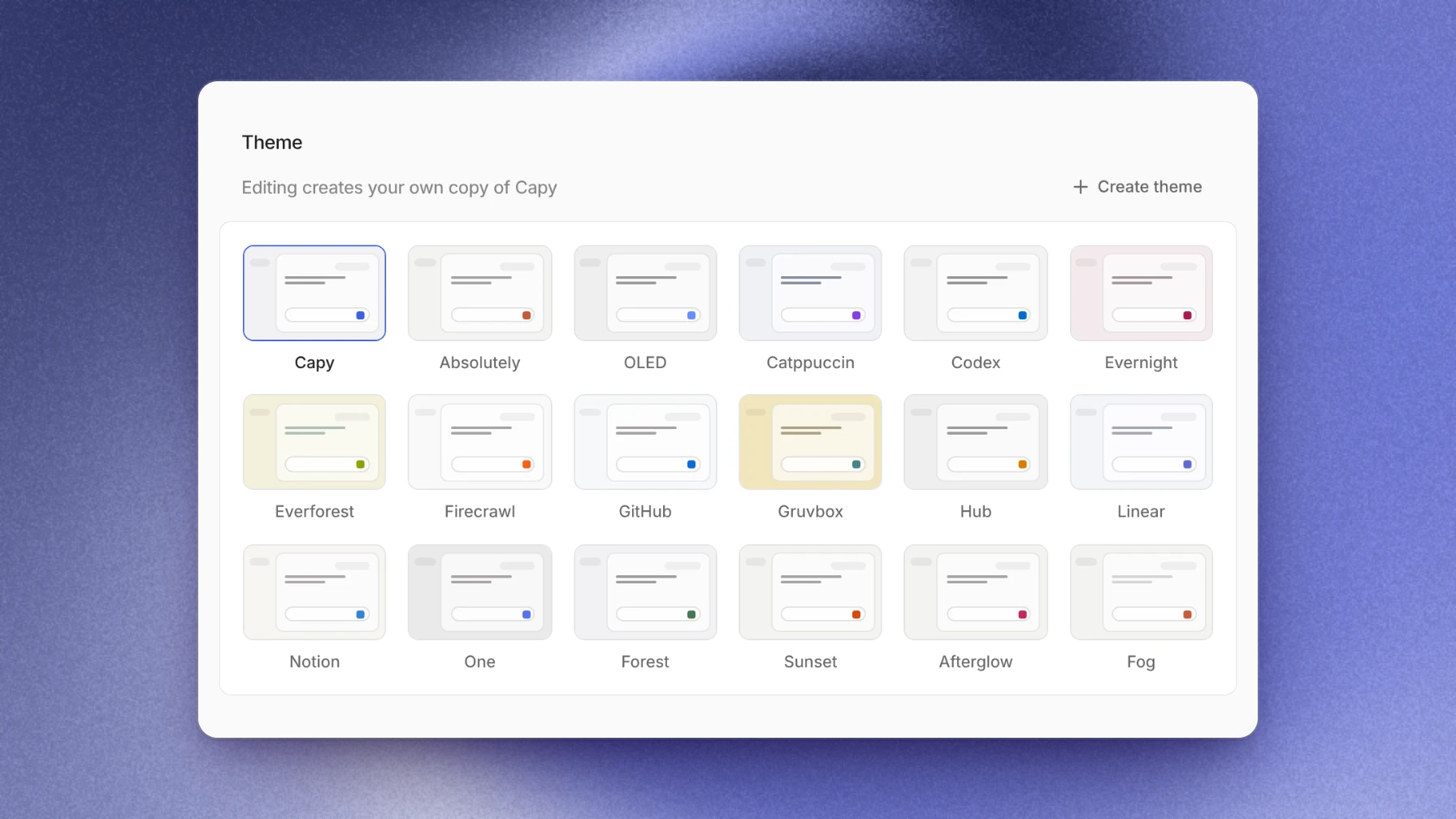
The Appearance page opens on a grid of built-in themes and your own. A theme carries its colors, dashboard background, and background effect together. Edit a built-in theme and Capy makes it your own copy, or start one with Create theme. Your own themes save as you edit.
Tune the dashboard background's brightness, blur, opacity, and fade, and pick a background effect. Your appearance follows you to every device, or set Appearance sync to This device only. Ask Capy to change your appearance from a thread, and the change shows before and after, with Undo.
Files and Drive
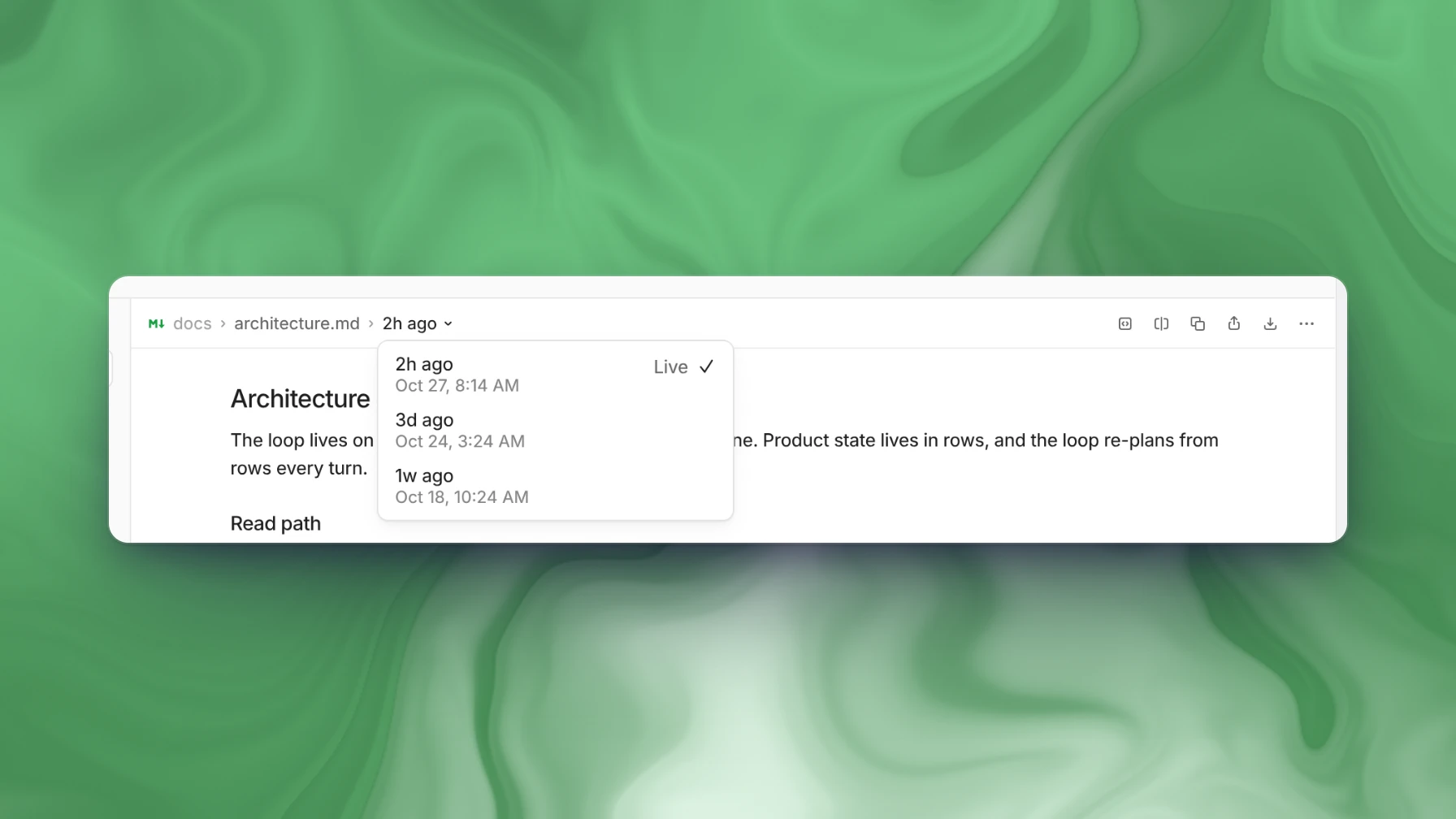
Drive files, and files Capy mentions in a thread, open in a tab beside the conversation. The file header lists earlier versions: pick one to read it, or Compare two to see what changed. A file on a thread's machine opens for editing from its link, and you can save it to Drive when the machine is asleep. In Drive, filter files by name as you type, and expand or collapse the whole tree at once.
Faster Drive
Drive has a new engine. On a new machine, a drive's files appear in under a second, where they used to take over two minutes. An older version of a file opens right away instead of after minutes. Drives also reconnect on their own after a machine restarts.
Improvements and fixes
Threads and chat
- Fork, Fork summary, and Side chat are in an agent message's menu, so you no longer have to select text first.
- Images you place in a message show as each one finishes uploading.
- A message from another thread or subagent shows whether that thread is working, waiting, or needs you.
- A subagent's tab shows its work live.
- In an opened activity line, what woke Capy, such as a CI result or a finished subagent, shows as a centered note apart from Capy's own steps.
- Each program Capy runs shows as one row, and failed steps are counted on the turn's summary line.
- Messages from people, agents, and automations share one header with the sender's icon and time.
- Images and videos in chat sit in one consistent preview size, so screenshots are no longer tiny.
- File links in a thread find Drive files and open from the right machine.
- Copying a code block copies just the code.
- Pull request videos play inline.
Composer and sidebar
- Up in the composer brings back a message you sent, or the latest queued message, and keeps your unsent draft.
- The sidebar marks threads that hold a message you haven't sent.
- Every thread in the sidebar shows whether it runs in the cloud or on a device.
- The repository picker shows new repositories as soon as it opens.
Appearance
- Capy blue carries into badges, code themes, artifacts, and diagrams posted to Slack.
- Code colors in the light theme are easier to read.
- Changing one appearance setting no longer resets your theme.
Models
- Connect more than one subscription and Capy spreads threads across them. The model picker shows which one a thread is on, Rename tells them apart, and Spread usage across my subscriptions turns spreading off.
- Subscriptions in Settings → Models and the model picker line up the usage left in the 5-hour and 7-day windows and when each resets.
- On a teammate's thread that is waiting on their subscription, Take over to use your subscriptions moves the thread to you.
- GPT-6.1 Terra and Kimi K3.1 Pro are in the model picker.
- Any organization can run models on its own API keys.
- A custom endpoint connection adds its own models, and Image input marks the ones that read images.
- Models served through Baseten and Fireworks use their zero-data-retention endpoints.
- Connection dialogs share one layout, with help on the left and the actions on the right.
- A thread waiting on a used-up subscription tries again when the provider says it resets, and the Wait menu picks another time, including a Custom time.
- A model switch applies even while an earlier message is still waiting, and an accepted wait is no longer cut short by CI or review updates.
- When your own model settings are why a model can't run, the error says so.
- Keys pasted with stray spaces connect, models that stopped answering at one provider route to another, and DeepSeek V4.1 Flash works again on organization keys.
- Claude Code threads recover from more errors instead of stopping.
- When a thread runs out of usage in Slack, its buttons, such as Wait and Use Capy credits, work again.
Desktop app
- Sign in with your organization's single sign-on: choose Continue with single sign-on and finish in your browser.
- Pull request links always open in Capy, and Open external links in applies to every other link.
- On macOS the sidebar button stays in the title bar beside Back and Forward.
- The app uses less CPU while threads run.
- Windows file paths open from the file pane.
Pull requests and GitHub
- Compare range shows a pull request's diff across a range of commits.
- Paste or drop images into a pull request description.
- A repository's root AGENTS.md can give Capy standing permission to merge.
- A new pull request's diff appears in seconds, and its commit list keeps up during busy hours.
- Git on a machine no longer fails with "Repository not found" right after Capy gets access to a repository.
- Capy can post commit statuses and check runs again, and merging a stack no longer reports an error after the merge succeeds.
- A review retries on another model provider when one is overloaded.
- A GitHub organization you belong to shows its Capy installation and who can link it.
Drive and machines
- Drive no longer saves a conflict copy of a file that a running job is still writing.
- When one file is too large to save, a thread's other Drive changes still save.
- Copying a small file into two drives at once keeps it in both.
- Files a machine downloads from Capy arrive intact.
Settings and more
- Sharing changes apply right away, with Undo.
- Activity shows the hours your agents work, in your time zone.
- Verify on the Cloud credentials page works for Google Cloud, AWS, Azure, and Vault.
- List and download a thread's attachments through the public API.
- Capy's emails have a new design.
- Automation trigger summaries read correctly, and automation settings show their row dividers.