





Code review in a real checkout

Capy walks reviewers through each pull request in chapters, with findings on the exact line. Every review runs in a real checkout at the exact head, and on pull requests Capy opened, it fixes what it finds.
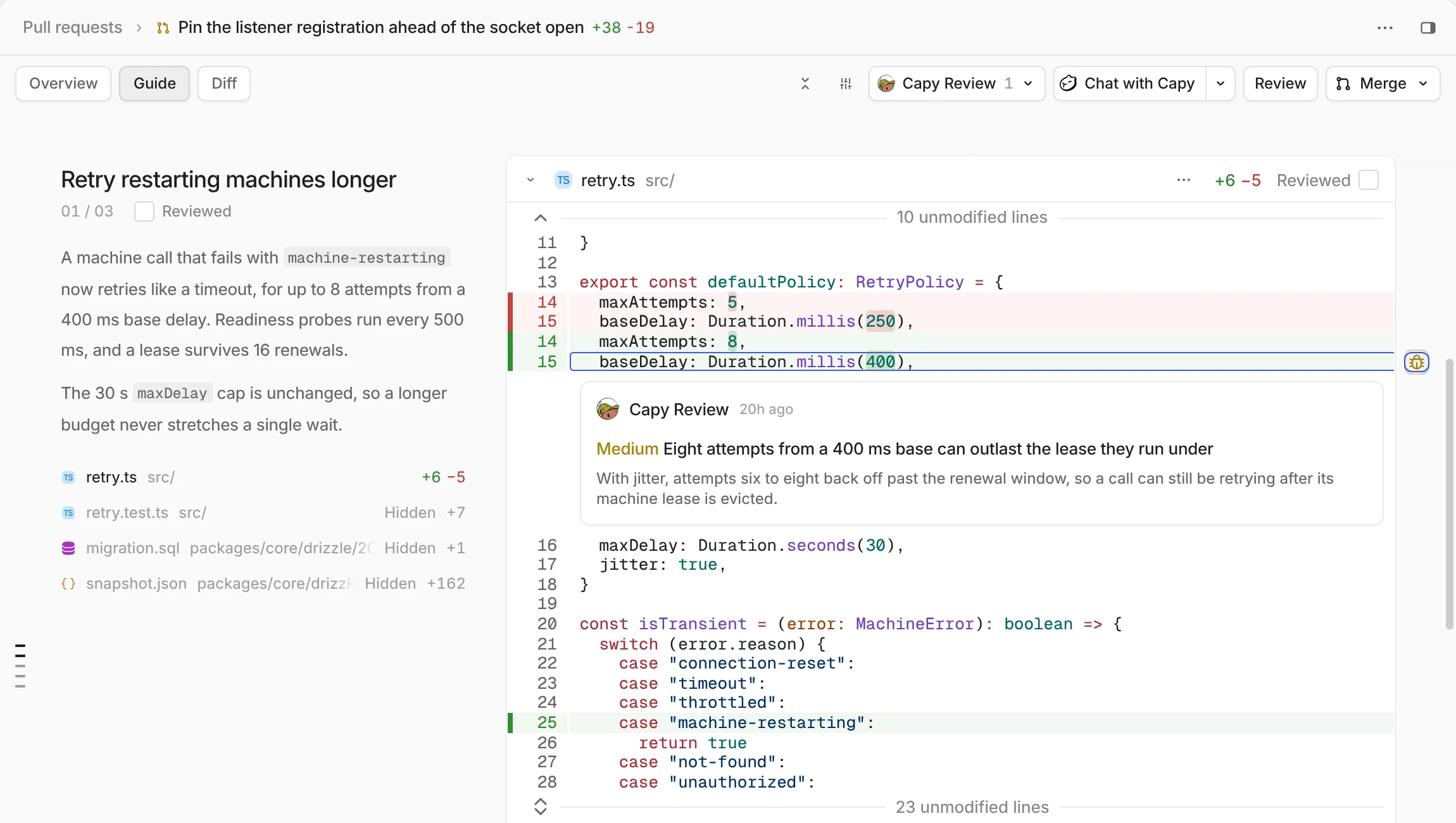

The Guide tab of a pull request in Capy: a chapter summary beside its diff, with a Capy Review finding open on its line
Autumn
Supermemory
Exa
Warp
Pocket
Melius
Infisical
Krea
Goblins
RunPod
Town
Firecrawl
Aside AI
Taste Labs
Revyl
Finta
Autumn
Supermemory
Exa
Warp
Pocket
Melius
Infisical
Krea
Goblins
RunPod
Town
Firecrawl
Aside AI
Taste Labs
Revyl
Finta
Autumn
Supermemory
Exa
Warp
Pocket
Melius
Infisical
Krea
Goblins
RunPod
Town
Firecrawl
Aside AI
Taste Labs
Revyl
Finta
Autumn
Supermemory
Exa
Warp
Pocket
Melius
Infisical
Krea
Goblins
RunPod
Town
Firecrawl
Aside AI
Taste Labs
Revyl
Finta
Detective capy

Findings you can act on

Every finding names a failure scenario, the file and line, and how sure the agent is.
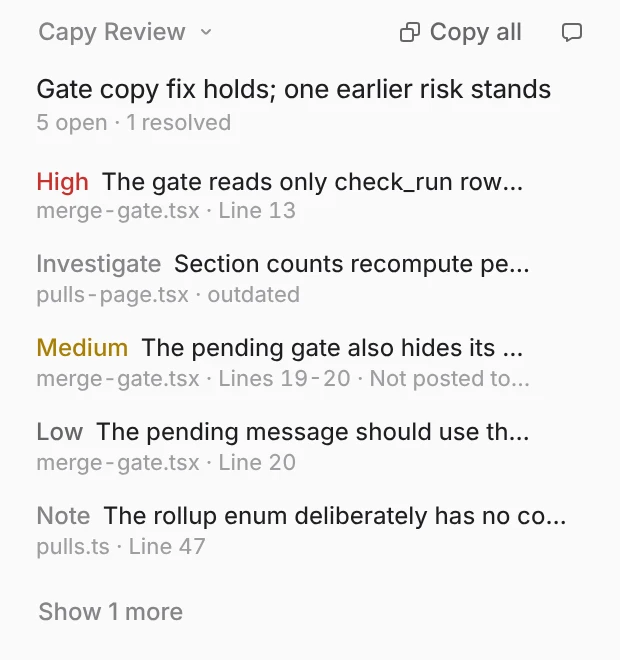
Capy Review findings marked high, investigate, medium, low and note

Severity and confidence

High, medium or low. Confirmed when the code proves it, investigate when it needs a check.
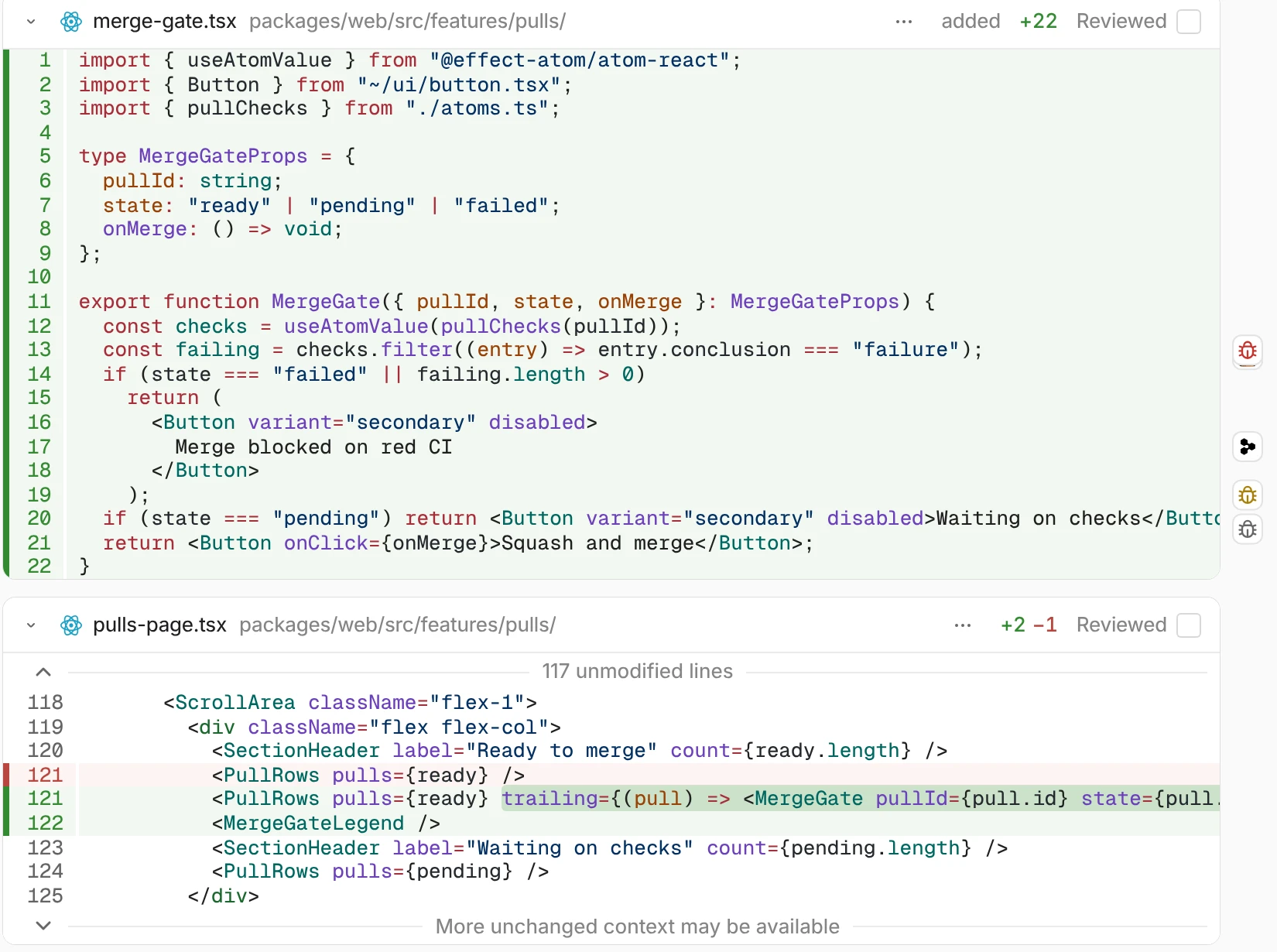
Changed lines in a Capy diff with finding markers in the gutter beside them

On the exact line

Findings post as inline GitHub comments at or above your threshold, medium by default.

Captain capy

Reviews on your terms

Turn reviews on per repository, or ask for one on any pull request when you want it.
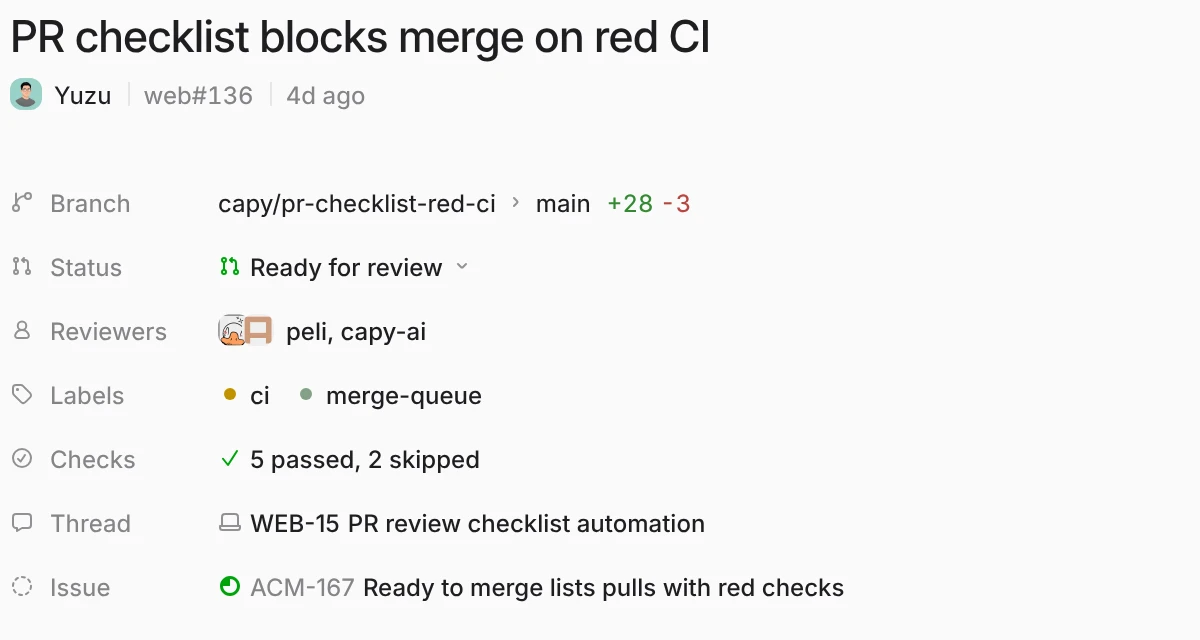
A pull request in Capy with its status, reviewers, checks and thread

Every push or once

Set each repository to off, once when a PR opens, or every push. A new push starts a fresh round.
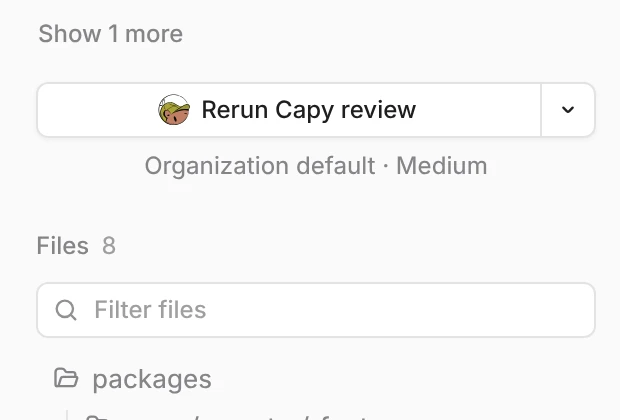
The Rerun Capy review button on a pull request

Ask from anywhere

Comment @capy review with instructions, rerun it in Capy, or start one from the API.
Capy in a hard hat

Findings that get fixed

When Capy owns the pull request, its thread triages every finding and fixes the real ones.

Autofix

It marks false positives irrelevant and fixes high findings before it calls the PR ready.
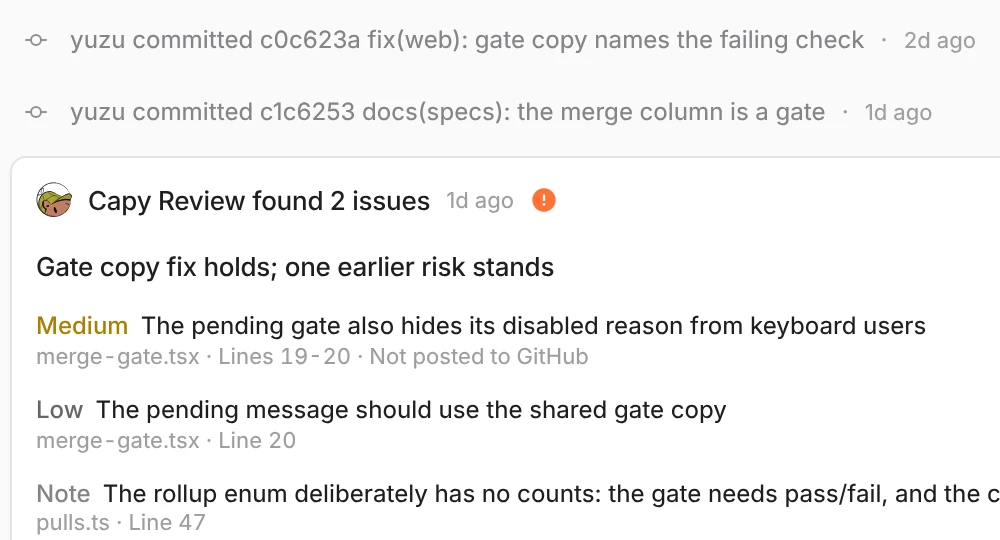
Two new commits, then a second Capy Review round with two findings

Re-reviews

Each round reviews what changed since the last one. Dismissed findings never come back.
Capy in glasses

Tuned to your codebase

The agent enforces the rules in your AGENTS.md as findings, on the same footing as logic bugs.
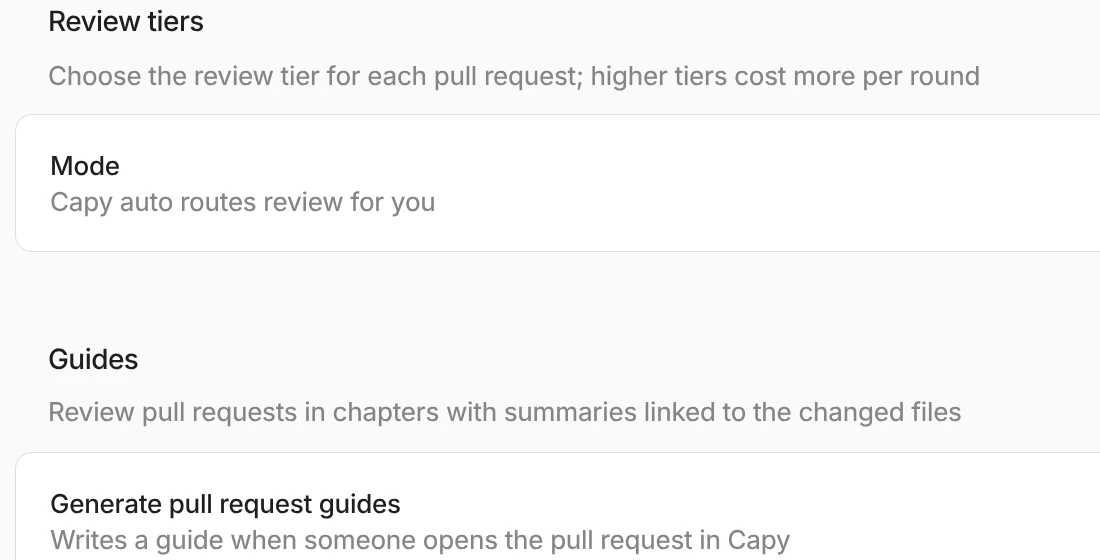
Review settings with the review tier and pull request guides

Review tiers

Pick how hard each review looks, or let Flex route every pull request for you.
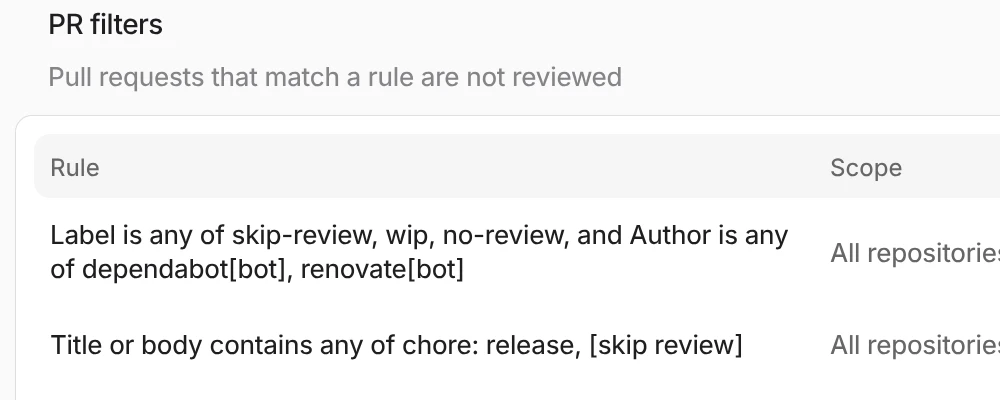
PR filters that skip bot and release pull requests

Filters

Skip pull requests by label, author, title or base branch, and ignore paths like lockfiles.

Scientist capy

Review with a guide

Every pull request gets a guide: an overview of the change, a before and after diagram, and a chapter for each part with its own diff.
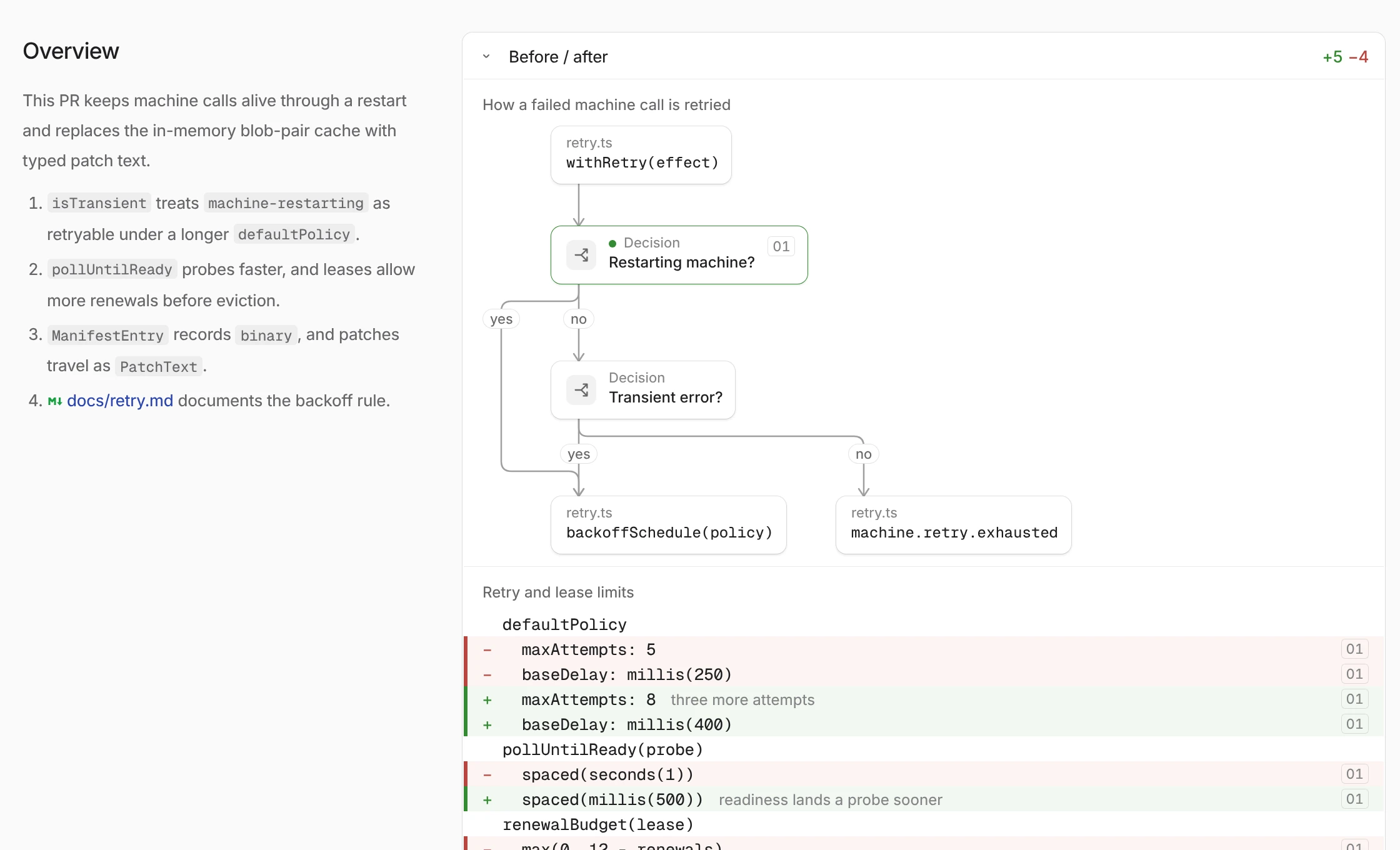
The overview of a pull request guide: a summary of the change beside a before and after diagram of the retry path

Guided review

The guide opens with what the change does and a diagram of the path it touches, before and after.
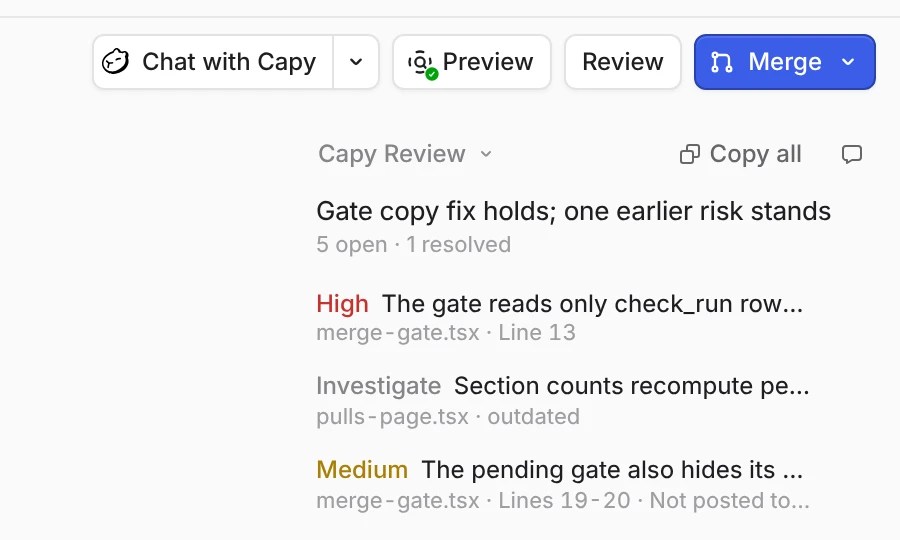
The Preview button beside Review and Merge on a pull request in Capy

Live preview

Open the running branch from the pull request while you read the diff.

“It used to be the case that we were writing code 90% of the time, reviewing code 10% of the time. … Now we spend 90% of our time reviewing code.”

Matt Reed, Founding Engineer, Goblins
Matt Reed, founding engineer at Goblins
GoblinsRead the story
5x
more merged PRs a week, same small team
98%
of merged PRs built or reviewed by Capy
14,000+
Capy reviews on their pull requests
FAQ

FAQ

How reviews run, what they flag, and what they cost.

How does Capy review a pull request?+
A dedicated review agent reads the diff in a real checkout of your repository at the pull request’s exact head. It posts findings as inline GitHub comments, records every finding in Capy, and relays them to the thread that owns the pull request.
What does a review flag?+
Bugs, risks such as security issues and race conditions, maintainability problems and refactors. Each finding has a severity (high, medium or low), a confidence (confirmed or investigate), and a file and line. A review can also leave notes, like a verdict that code which looks wrong is correct.
How do I start reviews?+
Set each repository to off, once or every push in Settings → Review. You can also start a review from the pull request page in Capy, comment @capy review on the pull request with optional instructions, or call POST /api/v1/reviews.
Will it flag the same thing on every push?+
No. Re-reviews are incremental: only code changed since the last reviewed head is in scope, with the whole pull request as context. Findings marked irrelevant are never re-flagged, and a resolved finding whose fix did not hold comes back as a fresh finding.
Can I teach it our conventions?+
Yes. The review agent reads your repository’s AGENTS.md files and enforces the conventions written there as findings. Write the rules you want enforced and the patterns you never want flagged, and they apply from the next review.
Does Capy fix what it finds?+
When a Capy thread owns the pull request, it triages after each review: it marks false positives irrelevant, confirms fixed issues as resolved, and fixes high-severity findings before it reports the pull request ready. You can override any triage decision from the dashboard.
How are reviews billed?+
Reviews bill your organization’s Capy credits for both the model and the machine. A higher review tier costs more per round. Enabling reviews for a repository bills your organization for its rounds.
Which git hosts are supported?+
Capy reviews pull requests on GitHub.com through the Capy GitHub App.

Add Capy review to your repos

Turn it on per repository, and the next pull request gets a review on the exact line.
Capys leaping through comic panels