





How to use your own ChatGPT, Copilot or SuperGrok plan, or API keys, with Capy

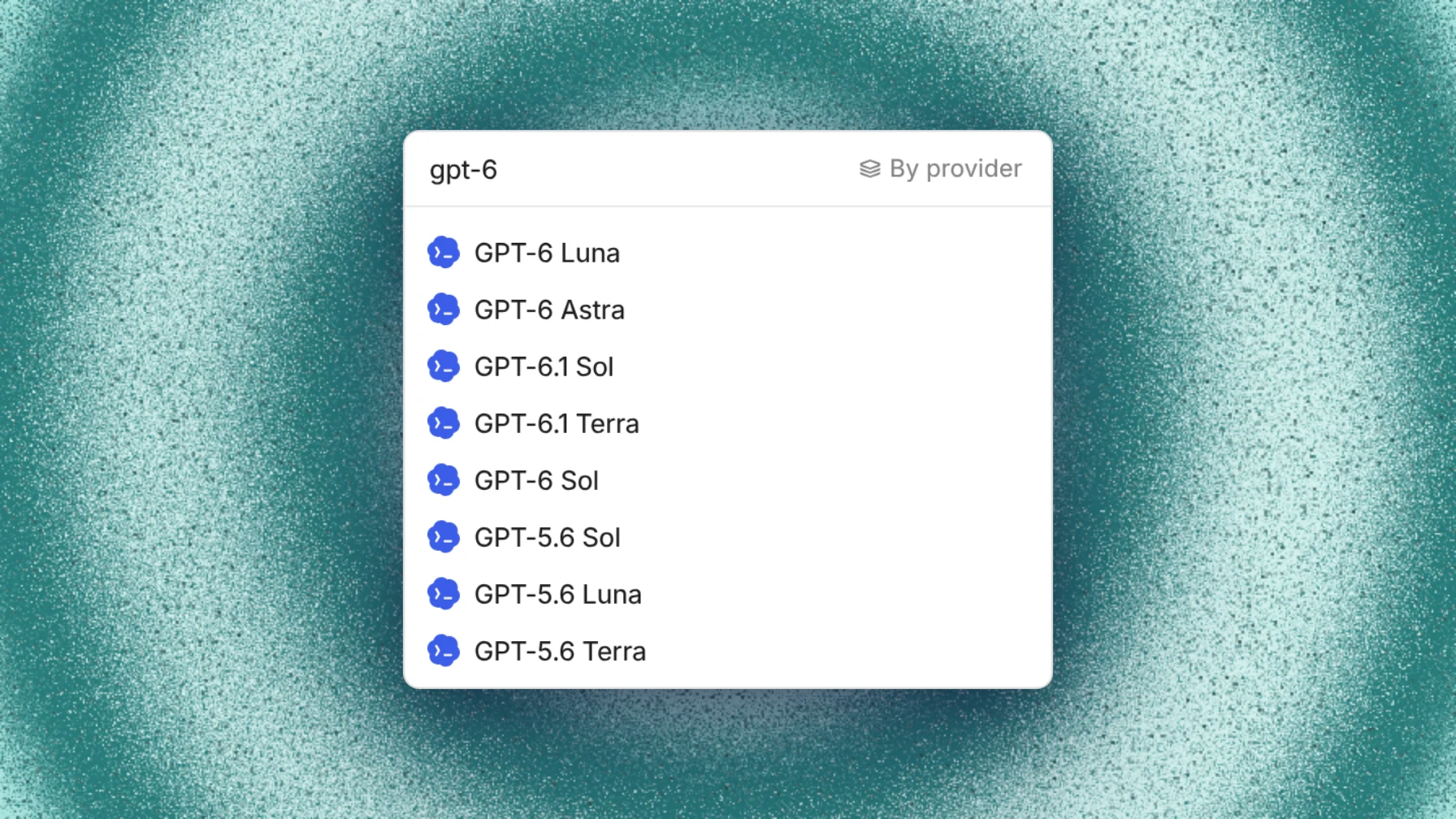
Capy runs models on a ChatGPT (Codex), GitHub Copilot or SuperGrok plan you connect, or on your own API keys and gateways. Connect them in Settings → Models. A thread uses the first connection that covers its model, and those tokens don't draw on Capy credits. Machine time, generated images and review tokens still use Capy credits, and a connected plan keeps its own usage limits.
What you can connect
Settings → Models has one Add a connection list for every provider:
| Group | Providers |
|---|---|
| Subscriptions | Codex (a ChatGPT plan), GitHub Copilot, SuperGrok, Claude |
| Coding plans | GLM Coding Plan, Kimi Code, OpenCode Go, Morph Ultra, Ollama Cloud |
| API keys | Anthropic, OpenAI, xAI, Google and Meta Model API keys; gateways such as Vercel AI Gateway, OpenRouter, Cloudflare AI Gateway and Amazon Bedrock; and a custom endpoint for any OpenAI-compatible server |
The models and pricing docs list every gateway. Your own API keys, gateways and subscriptions work on every plan, the free plan included.
Subscriptions are personal, so you add them under Your connections. Keys, gateways and custom endpoints can belong to you or to the organization.
Connect a ChatGPT plan through Codex
- Allow device-code sign-in. For a personal account, open ChatGPT Settings → Security and turn on Enable device code authorization for Codex. For a managed workspace, ask the workspace owner to allow device-code sign-in.
- In Capy, open Add a connection, pick Codex and copy the code.
- Open Verification page, sign in to ChatGPT, and pick your workspace if asked.
- Enter the code and approve in OpenAI. Capy finishes the connection once you approve.
The connection appears under Your connections. In the model picker, models your plan serves show the Codex icon, and the tooltip reads Runs on Codex plan.
If the switch is missing in your workspace, the workspace owner turns on Enable device code authentication for Codex CLI under Workspace settings → Permissions & roles → Codex Local. Then start a new connection in Capy.
GitHub Copilot and SuperGrok also sign in with a device code. Copilot takes one account per person. You can connect more than one Codex or SuperGrok account. Spread usage across my subscriptions, on by default, moves threads between accounts that serve the same model and keeps each thread on one while its cache is warm. Turn it off to use them strictly in your order.
Connect an API key
- Open Add a connection under Your connections or Organization connections, and pick the provider.
- Paste the key and choose Check access. Capy lists the models the key can run.
- Exclude any models the key shouldn't serve, then connect.
Anthropic, OpenAI, xAI and Google keys also cover that company's new models as they come out.
Which connection a thread uses
Every model runs on Capy credits until a subscription or key covers it. A thread uses the first connection that covers its model: the thread owner's connections in their order, then the organization's, then Capy credits. Settings → Models lets you reorder connections and choose the models each one serves. The thread's cost breakdown lists subscription and key usage under On your keys, not charged.
Two details catch people out. A thread runs on its owner's connections, even when someone else writes in it, and a thread that Slack or an automation started as someone else belongs to that person. And an admin can turn off Members can connect their own subscriptions and keys, which puts every thread on the organization's connections.
When a plan runs out
A subscription is used up when it hits its plan's limit, until the limit resets. The thread then follows the run-out setting on the Models page:
| Setting | Next is another subscription or key | Next is Capy credits |
|---|---|---|
| Ask me | Stops and asks | Stops and asks |
| Ask before Capy credits (default) | Moves on, with a note in the thread | Stops and asks |
| Keep going | Moves on, with a note in the thread | Moves on, with a note in the thread |
Under every setting, a thread moves on without asking when the next connection is another account of the same subscription.
When the thread stops, its card offers Wait for the reset or Use for the next connection. Admins who never want models on credits can choose Never use Capy credits. A thread then stops when no subscription or key can serve its model.
What still uses Capy credits
A connected plan or key pays only for the model tokens it serves. Everything else draws from the organization's balance:
- machine time for every thread on a cloud machine, including automation runs and reviews;
- images the agent generates;
- model tokens for reviews, which never use your subscriptions or keys.
So a thread on a subscription still stops when the balance is empty. To spend no credits at all, run the thread on your own computer with the desktop app and pick a model your subscription serves. It then spends none unless it uses a model on credits or generates images.
If a thread bills credits you expected your plan to cover
- Your plan doesn't include the model. The picker shows no icon for it, and the Models table shows what serves each model in threads you own.
- The plan was used up, and the thread continued because the setting is Keep going or someone chose to use credits.
- Someone else owns the thread. The owner can use Transfer ownership in the thread's share dialog.
- An admin turned off member connections.
Before you connect a plan
Your use of a connected plan may be governed by your own agreement with that provider. Capy's terms make you responsible for checking that the provider's terms allow you to use that subscription or plan through Capy. A connected plan isn't unlimited: its own limits still apply.
Follow-up questions
Does connecting a plan change what my Capy plan costs?
No. Tokens a connected plan serves appear under On your keys, not charged in the thread's cost breakdown. Machine time, images and reviews bill credits as usual. See pricing for the plans.
Can my whole team share one ChatGPT plan?
Subscriptions are personal and appear only under each person's own connections. For a shared connection, an admin adds an API key or a gateway under Organization connections.
Do code reviews use my plan?
No. Model tokens for reviews always use Capy credits, never your subscriptions or keys.
Do subagents and Captains use my connections?
A thread's subagents use the parent thread's model by default. A Captain always acts as its owner and creates crew threads with the owner's connected subscriptions and keys.
Ship your next feature with Capy