




Capy Desktop: one agent, every machine

Over the last few months, Capy has become the best cloud coding agent on the market, and it has shipped hundreds of thousands of PRs for some of the best engineering teams in the world.
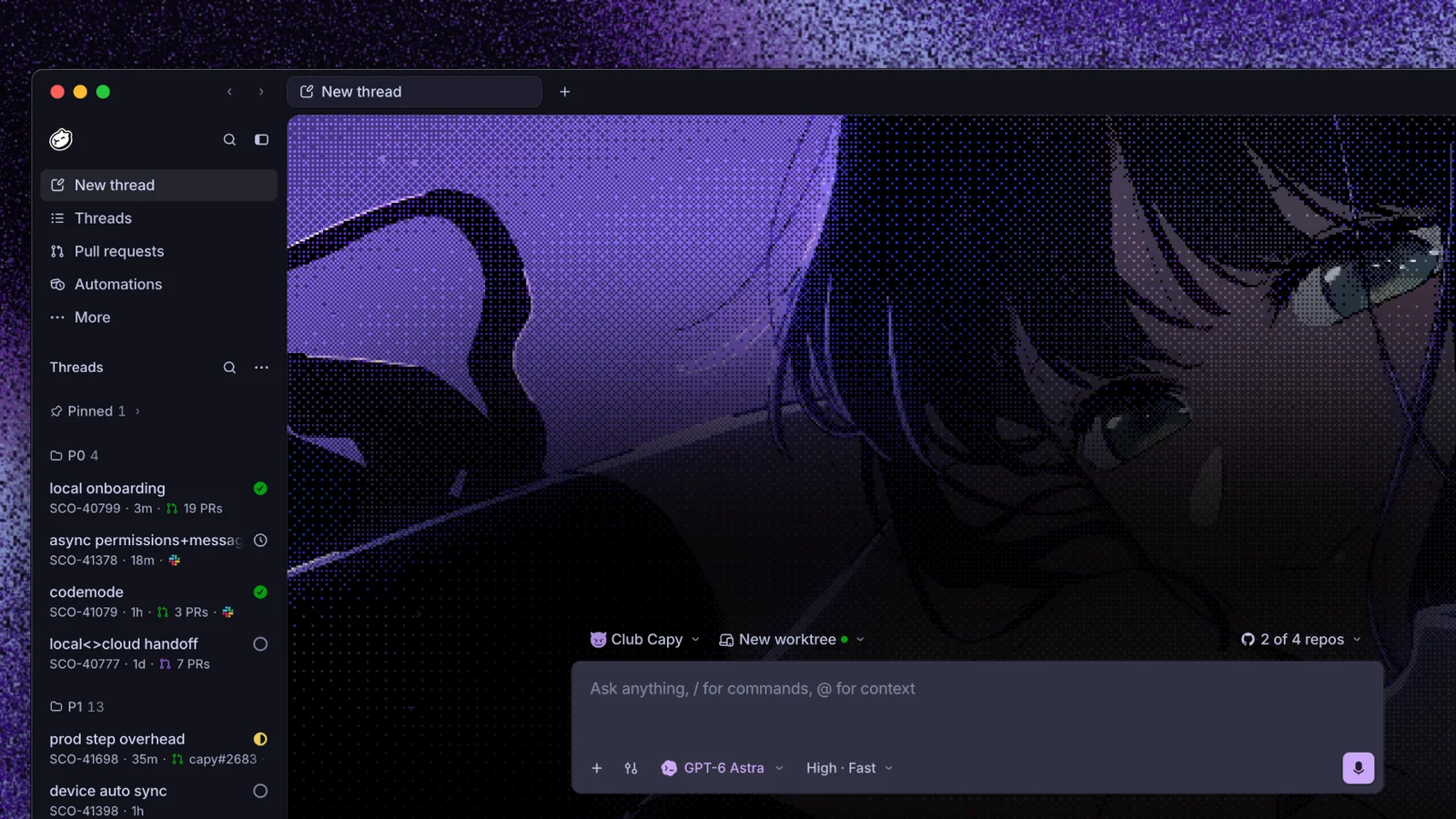
Today we're making Capy the best way to orchestrate coding agents across all your devices. Capy Desktop is available now for macOS, Windows, and Linux at capy.ai.
Most coding agents are tied to one machine: a terminal agent stops when your laptop sleeps, and a cloud agent can't see the files and services on your computer. With Capy, the agent loop runs in the cloud and threads are stored in our database. The machine is only where the tools execute. That lets the desktop app add your own computers as machines alongside our cloud VMs, and lets a thread move between them.
Every computer becomes a machine
When you install the desktop app and sign in, your computer pairs with your Capy account. A Capy daemon opens one outbound, encrypted WebSocket to Capy's device gateway. Every tool call, terminal session, and file read travels inside that one connection as a separate stream.
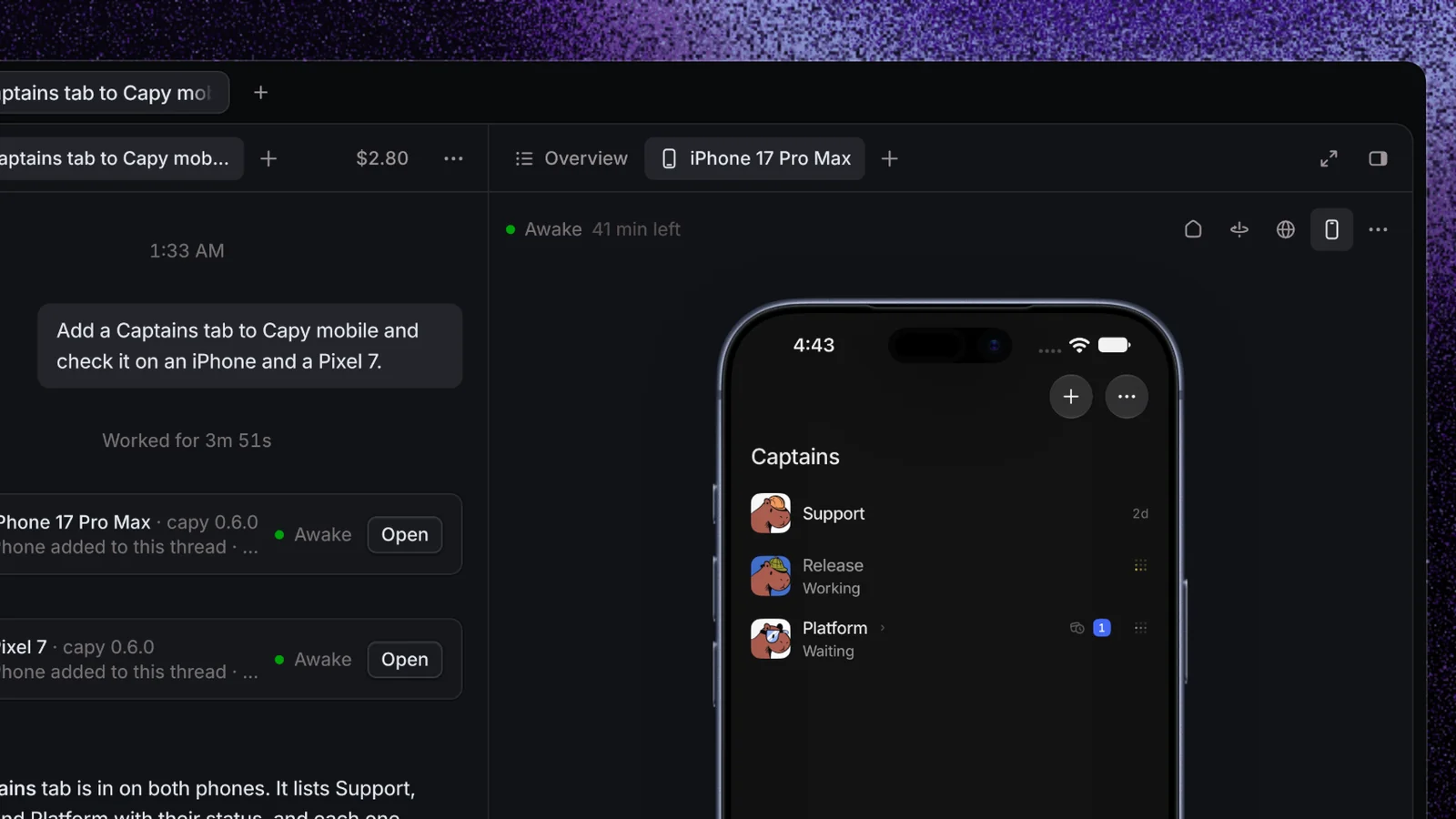
On our side, a tool call to your laptop takes the same path as a tool call to a cloud VM. The only difference is that it ends at the gateway connection instead of a sandbox. That's why the agent, the tools, and the thread view are the same everywhere. It's also why you can steer a thread running on your Mac from another laptop, from a browser, or from your phone.
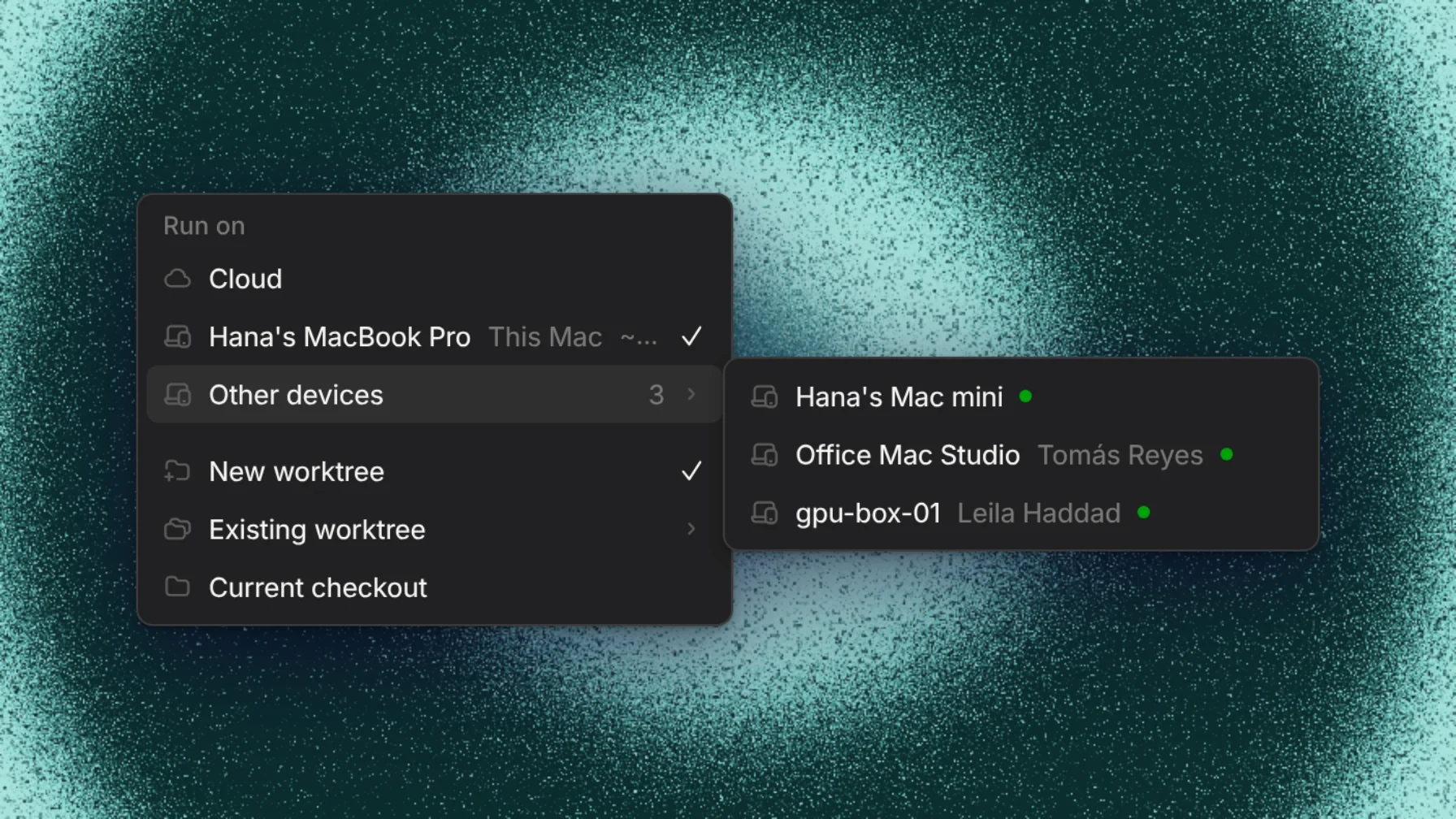
Each thread on a device gets its own git worktree by default, so the agent never touches the branch you're working on. You can also point it at an existing worktree or your current checkout. Git runs with your own credentials, and edits land on your disk as the agent makes them.
Your laptop, from the cloud
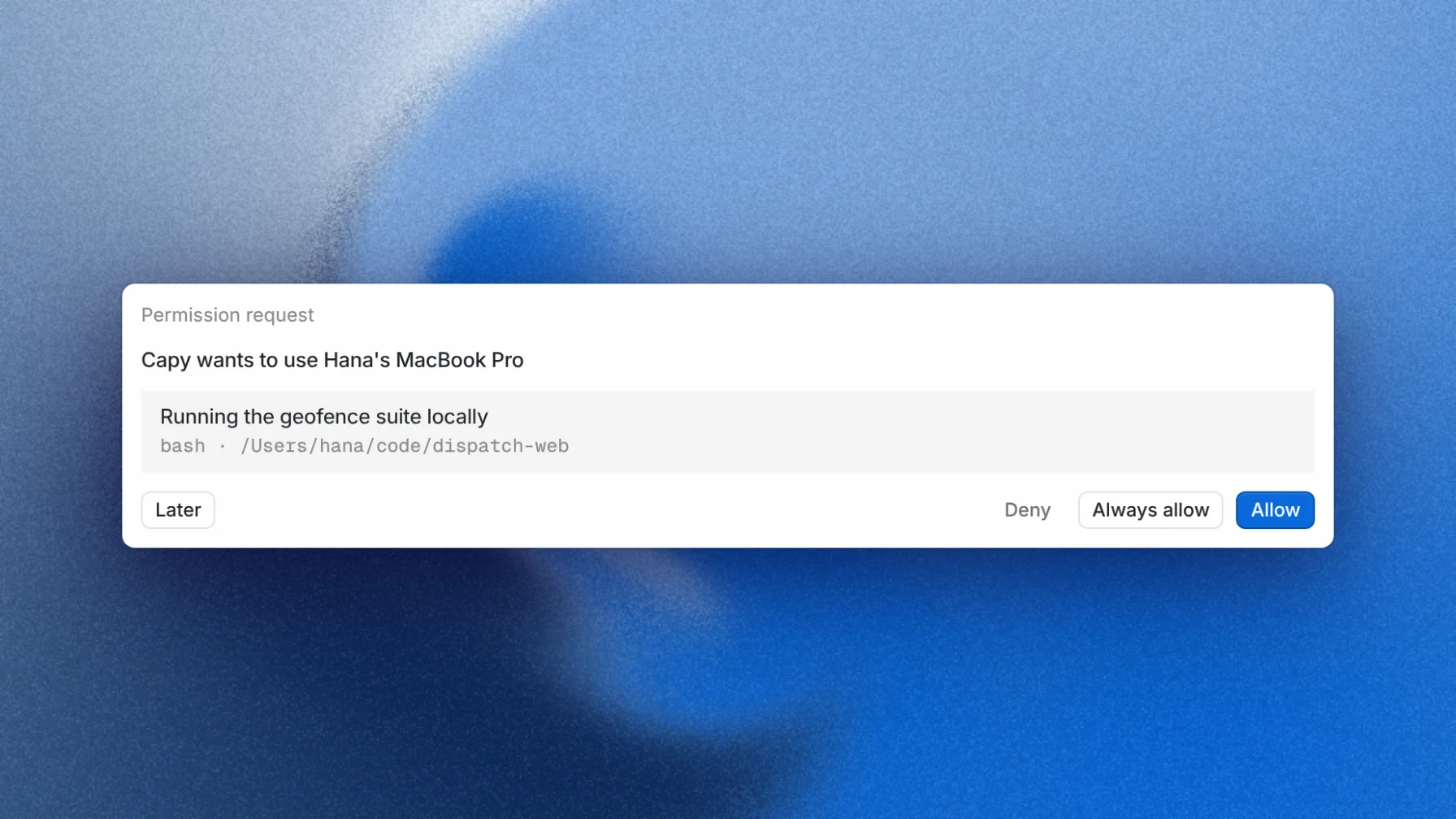
Every connected computer is a machine that any of your threads can use, including threads running on a cloud VM. A cloud thread can run your test suite against a local database, read a file that only exists on your laptop, or check a service on localhost. To do it, the agent sends the call to your device instead of its own VM.
Close your laptop
You can move a thread to the cloud with one click. When a thread moves, the desktop app takes a snapshot of each repository, which includes your staged changes, and your untracked files.
Capy then starts a cloud machine from your project's setup at the same time, and restores the snapshot there. Staged changes stay staged, unstaged changes stay unstaged, and untracked files stay untracked. Gitignored files such as .env never leave your machine. Nothing is pushed to GitHub along the way, so half-finished work never shows up on a branch because you closed a lid.
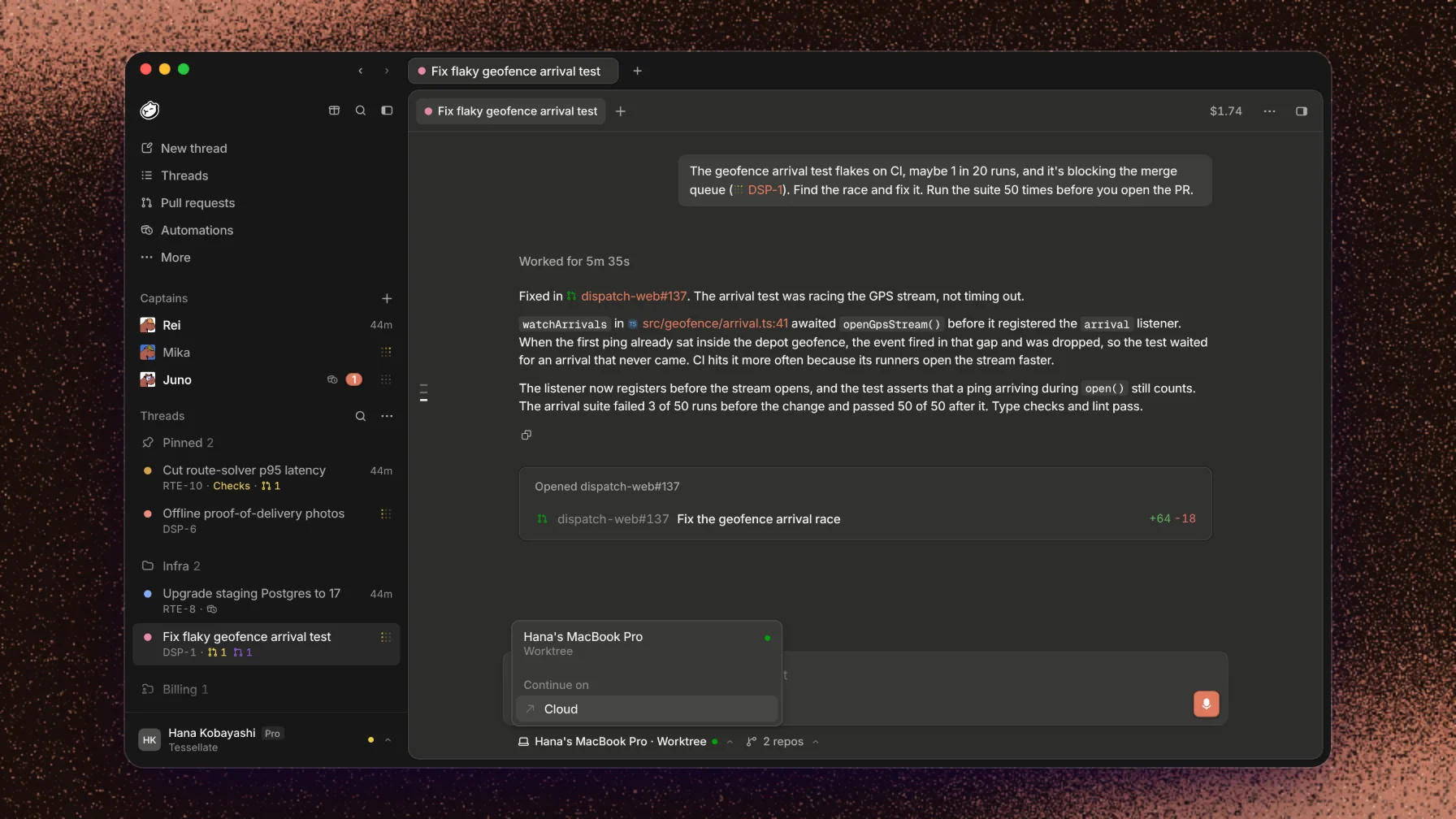
With cloud checkpoints on, the app saves a fresh snapshot a few seconds after the agent's last change, and skips it when nothing has changed. If the thread needs the machine while your laptop is closed, the agent sees that the device is offline and how old the newest checkpoint is. It can then continue in the cloud from that checkpoint. No more holding your laptop lid open.
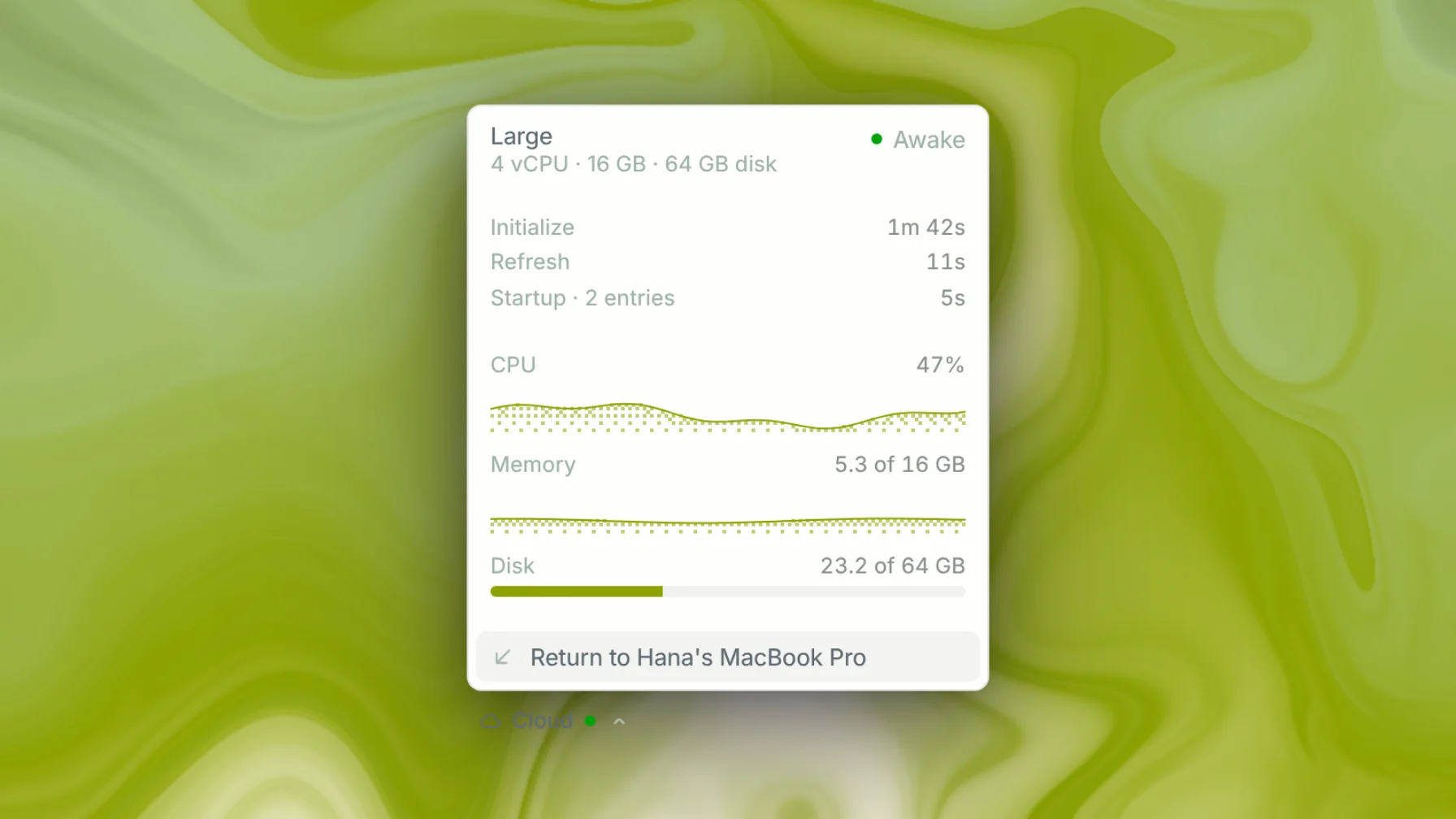
When you're back, you can move the thread back to your Mac. If the folder it came from hasn't changed, the work lands there in place. If it has, the work lands in a new worktree, so nothing of yours is overwritten.
Shared devices for your team
A device can be personal or shared. A personal device runs only your threads, and teammates ask before they message a thread on it. A shared device, such as an office Mac mini, a GPU box, or a headless build server, is available to everyone in your organization. Anyone can start a thread or a task on it. Everything still runs as the owner's local user, on hardware the owner chose to share.
Bring your own inference
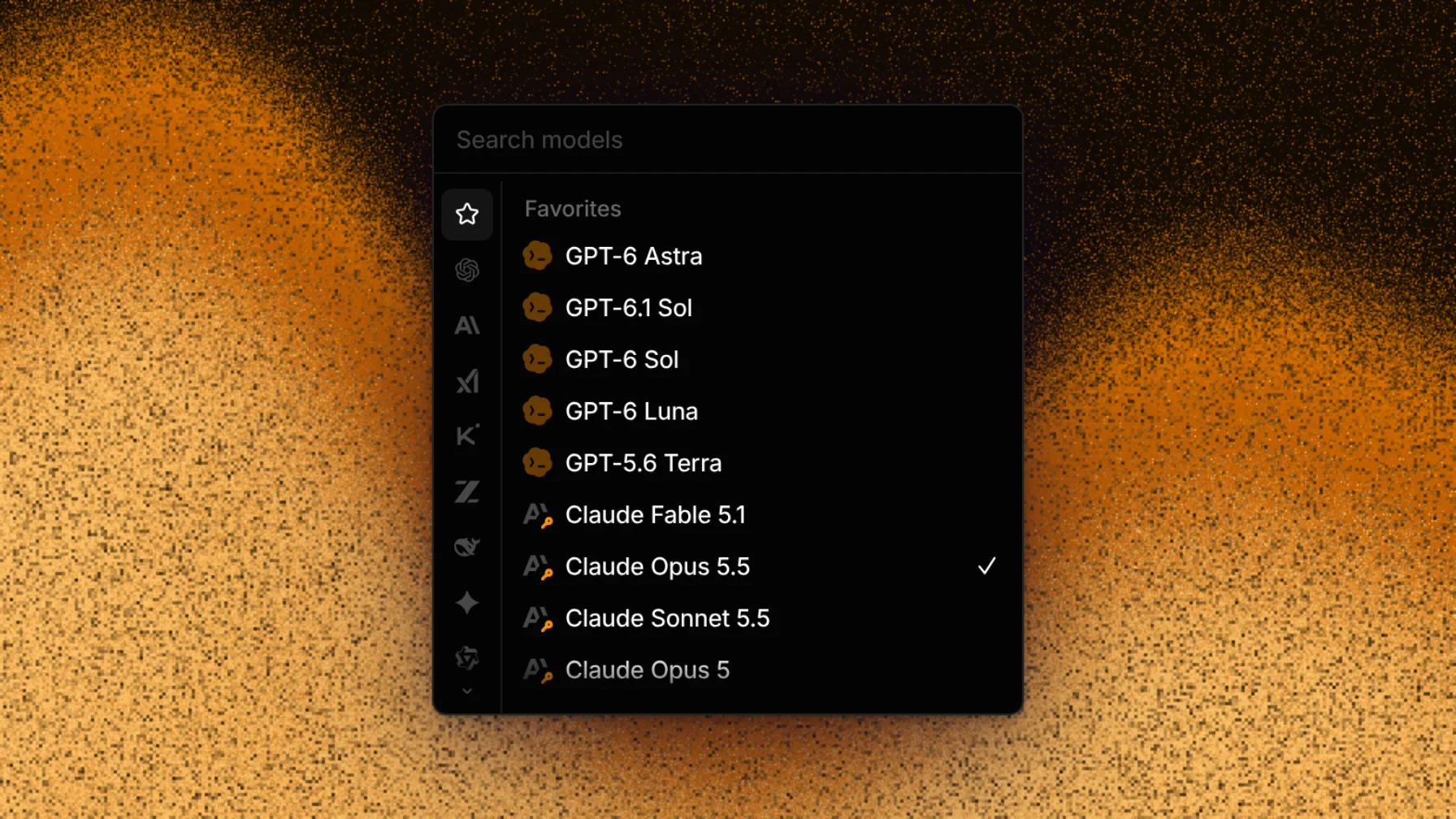
On the Models page, you can now sort your model connections in the order Capy should use them: subscriptions (ChatGPT, Copilot, and SuperGrok), API keys (Anthropic, OpenAI, xAI, and Google), coding plans (OpenCode Go, Kimi Code, and the GLM Coding Plan), and gateways (OpenRouter, Vercel AI Gateway, Cloudflare AI Gateway, and Ollama Cloud).
API keys and gateways are now included with Capy Lite. When you use Capy locally with your own inference, you don't pay us anything: there are no Capy credits and no machine-time charge for your own computer.
Make it yours
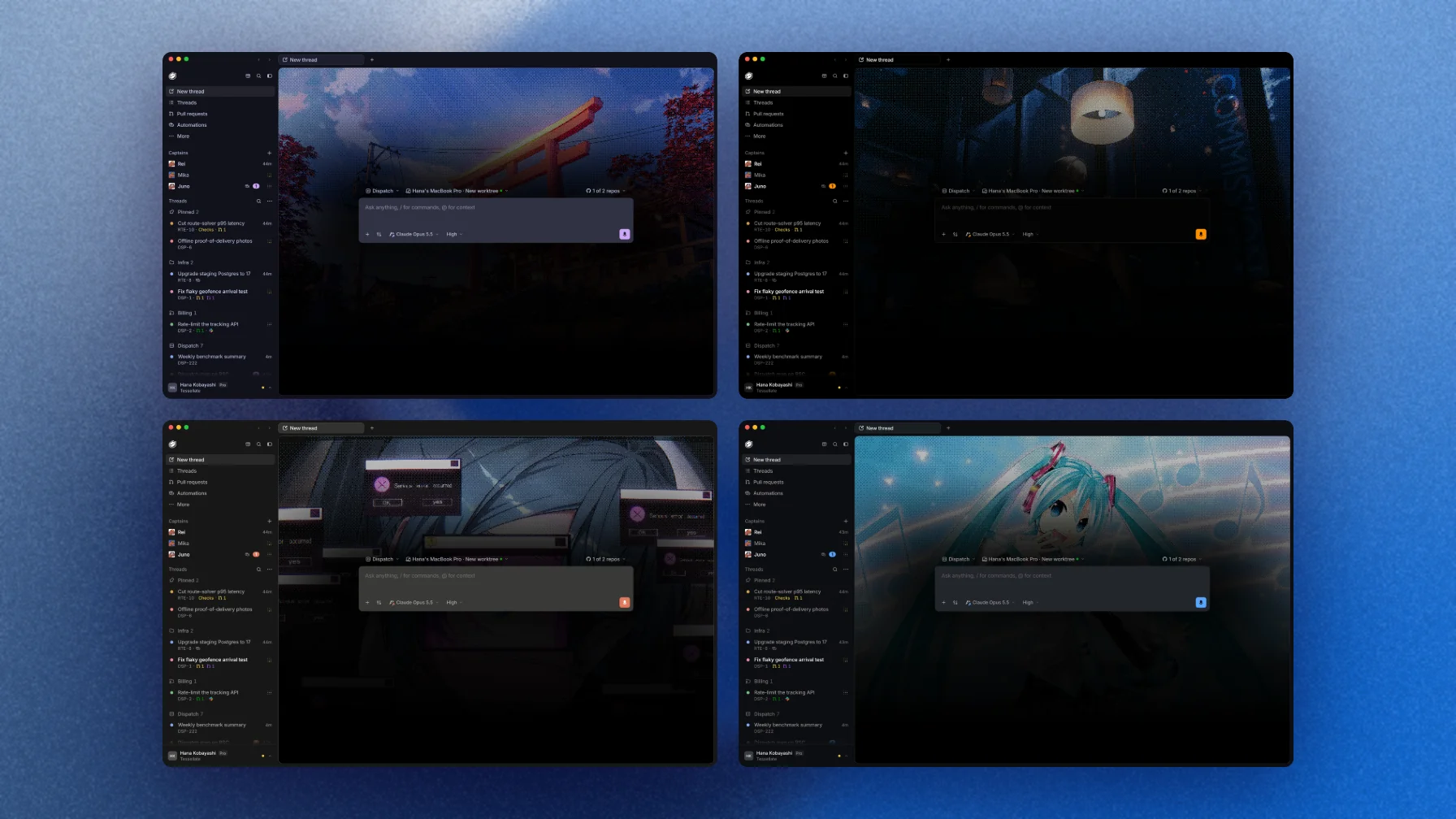
Pick one of 14 built-in themes, from Capy to Catppuccin and Gruvbox, or start from any of them and make your own. Set any image or GIF as the background of the new-thread page. Choose the sound Capy plays when a thread finishes, upload your own, or turn it off.
Download Capy Desktop for macOS, Windows, or Linux at capy.ai.
Ship your next feature with Capy