




How to use your company's OpenAI or Anthropic contract with coding agents

Connect the contract as an organization connection: an OpenAI or Anthropic API key from the company account, Amazon Bedrock, or a gateway your company already runs. Then an admin turns off members' own connections, and picks Only that key for models that must stay on the contract, so model tokens bill to your agreement. Capy credits still pay for machine time, reviews and generated images.
What to connect
| Your company has | Connect it as |
|---|---|
| An OpenAI or Anthropic API account | That provider's API key |
| Models through AWS | Amazon Bedrock |
| A gateway such as OpenRouter or Vercel AI Gateway | That gateway |
| An internal proxy | Custom endpoint |
An API key's Check access lists the models it can run, and an OpenAI or Anthropic key also covers that company's new models as they come out. Amazon Bedrock takes a long-term Bedrock API key and its region, so requests run in your AWS account. A gateway keeps its own routing, budgets and logs. Custom endpoint works with any OpenAI-compatible server. Google, xAI and Meta Model API keys connect the same way, and the connections docs list every provider.
Keep every thread on the contract
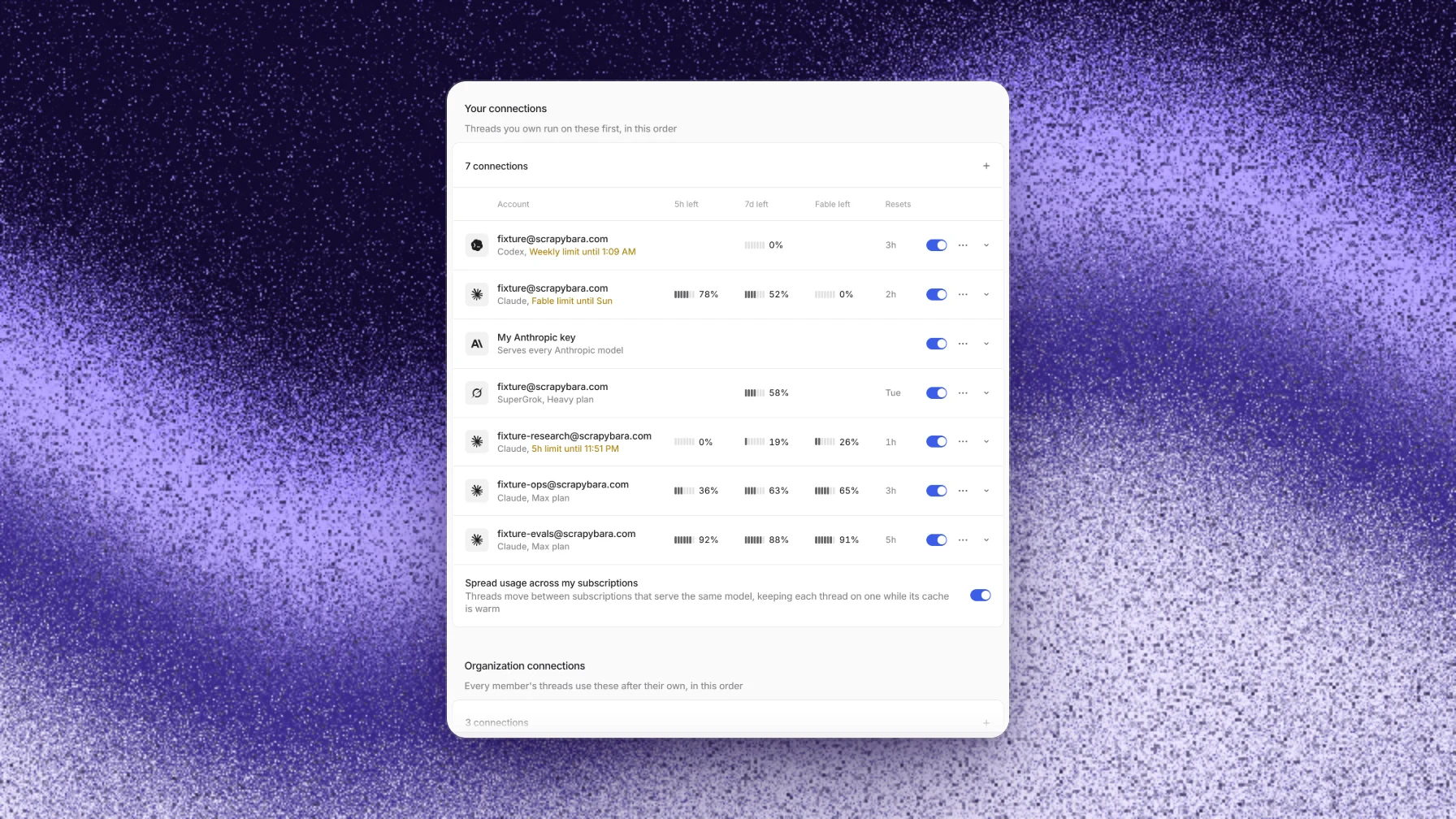
A thread uses the first connection that covers its model: the thread owner's own subscriptions and keys in their order, then the organization's connections, then Capy credits. So an organization key alone doesn't guarantee that work bills to the contract. An admin closes the other two routes:
- Add the key. In Settings → Models, choose add beside Organization connections, pick the provider, paste the key and choose Check access. Exclude any models the contract shouldn't serve.
- Turn off members' connections. Switch off Members can connect their own subscriptions and keys. Every thread then runs on the organization's connections.
- Pin the models that must stay on the contract. In the Models table, each model's menu offers Only with the key's name, such as Only OpenAI team key. That model then never runs on a member's connection or on Capy credits.
- Remove what the contract doesn't cover. Turn off for everyone removes a model from every picker. Never use Capy credits, on the Capy credits row, excludes every model from credits, and a thread whose model no connection serves stops instead of falling back.
- Check a thread. The model picker shows a key badge on models your connections serve. A thread's cost breakdown lists that usage under On your keys, not charged, and Settings → Organization → Usage splits spend between Capy credits and your subscriptions and keys.
Only admins can add organization connections or change these settings. Members can see them.
We follow the same routing rule on our own evaluation and benchmark runs. OpenAI models run on our subscription route, and Anthropic models run on our organization's own key. Before scaling a run, we verify both the serving route and the billing route, stop rather than silently falling back if a route isn't available, and require explicit approval for that run before using a different route.
To audit billing after rollout, issue a separate provider key per consumer so every line on the provider's bill has an owner. Compare the provider's usage with Capy's Usage page, and use the provider's hour-by-hour usage to find the caller whenever the two disagree.
What doesn't run on the contract
- Machine time. Every thread on a cloud machine, automation runs and Captains included, bills Capy credits while the machine is awake.
- Reviews. Review model tokens and review machines bill Capy credits after your plan's review credits. They never run on your keys.
- Generated images. They bill Capy credits.
- Background requests. Thread titles and pull request summaries always run on Capy's provider accounts, under zero data retention terms.
Whose terms apply
On your key, model requests go to the provider under your agreement, including any zero data retention terms in it. On Capy credits, they go under Capy's agreement with the provider, and the models table shows each model's retention status. Capy itself is SOC 2 Type II and doesn't train models on your non-public code.
For personal plans such as ChatGPT, Copilot or SuperGrok, see How to use your own plan with Capy. For the rest of an enterprise rollout, see How to roll out coding agents to a large engineering team.
Follow-up questions
Can we use several providers at once?
Yes. Connect each one, and choose which models each connection serves. A model served by two connections uses the first in your order.
What happens when the company account runs out of credit?
The thread's requests fail with the provider's error until someone tops up that account. A key that's turned off or rejected is different: the run-out setting on the Models page decides whether the thread stops and asks or moves on to the next connection.
Can members still use their own ChatGPT plan?
Only while Members can connect their own subscriptions and keys is on. With it on, a member's own connections come before the organization's for threads they own.
Do subagents and Captains follow the same rules?
Yes. Subagents use the parent thread's model by default, and a Captain creates crew threads with its owner's connections. With members' connections off, all of them run on the organization's.
Ship your next feature with Capy